
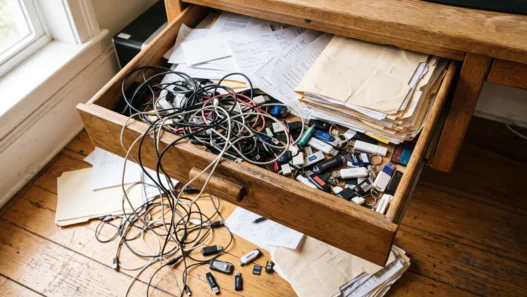



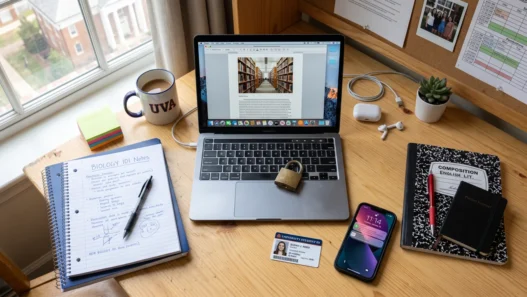
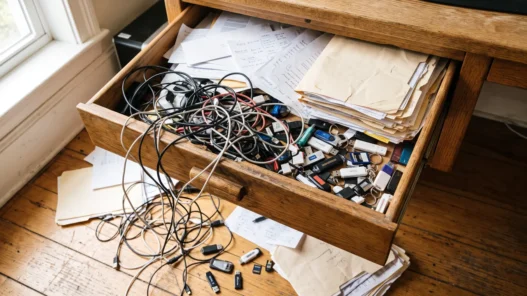
Your Downloads folder is a crime scene. Mine was too: “IMG_4829_final_FINAL2.pdf”, a screenshot of a screenshot, three versions of the same essay named “essay”, “essay2”, and “essayREAL”, and a syllabus I could never find twice. If this sounds familiar, the problem isn’t you — it’s that nobody ever taught you a system. Schools teach calculus but somehow skip “where do I put my files so future-me can find them.”
Here’s the good news: you don’t need a complex productivity religion. You need about twenty minutes, one decision, and a system simple enough that you’ll actually keep using it during finals week. Below are three systems that work — pick one, don’t combine them.

First, why your files are a mess (it’s not laziness)
Every file you save lands in a default location your brain didn’t choose: Downloads, Desktop, or whatever folder your browser felt like that day. Without a deliberate system, entropy wins. And here’s the cruel part — searching doesn’t save you, because you can’t search for a file whose name you don’t remember.
A working system has exactly three jobs: every file has one obvious home, you can file something in under five seconds, and you can find anything in under thirty seconds. If a system fails any of these, you’ll abandon it by week three. Judge the options below by that standard.
System 1: The Course-Folder Skeleton (simplest)
This is the one I’d hand to a freshman. Make a single folder called School (or Uni, whatever), and inside it, one folder per course, named with the course code first:
- School / BIO-101 / — Lectures, Readings, Assignments, Exams
- School / MATH-204 / — Lectures, Problem Sets, Exams
- School / _Admin / — syllabi, enrollment docs, transcripts
That’s the whole architecture. The course code at the start keeps folders sorted alphabetically in the order your brain expects. The underscore on _Admin floats it to the top so paperwork is always one click away.
Two rules keep it alive: never save to Desktop or Downloads — always file immediately, even if you file it wrong — and name files with dates, like 2026-10-05_lecture7.pdf. Dates sort chronologically forever, and you’ll thank yourself when the professor says “remember the diagram from early October.”
System 2: The Inbox + Weekly Sort (for the chronically busy)
If System 1 feels like too much discipline, this one’s more forgiving. Keep one folder called Inbox. Everything — every download, every screenshot, every scanned handout — goes there, no exceptions, no thinking. Then, once a week (Sunday night, with a snack), spend ten minutes sorting the inbox into your course folders.
This works because it separates two different decisions: capturing (fast, do it always) and organizing (slow, do it weekly). Students who try to organize at capture time usually end up doing neither. The weekly sort also doubles as a review — you’ll spot assignments you’d forgotten about, which has saved more than one GPA.
The danger: the inbox grows teeth if you skip two weeks. Set a phone reminder. If it ever tops fifty files, that’s your signal to sort immediately, not “later.”
System 3: The PARA Remix (for the power user)
Productivity nerds love PARA — Projects, Areas, Resources, Archive. For a student, that translates to: Active (this semester’s courses), Reference (textbooks, style guides, citation templates), Archive (past semesters, one folder per term), and Projects (the thesis, the portfolio, the club you’re running).
It’s more setup work, but it shines if you also juggle a side project, a part-time job, or an online course on the side. Your notes app and your file system finally speak the same language — if you use something like Notion for your student setup, mirror the same structure there so there’s only one mental map to maintain.
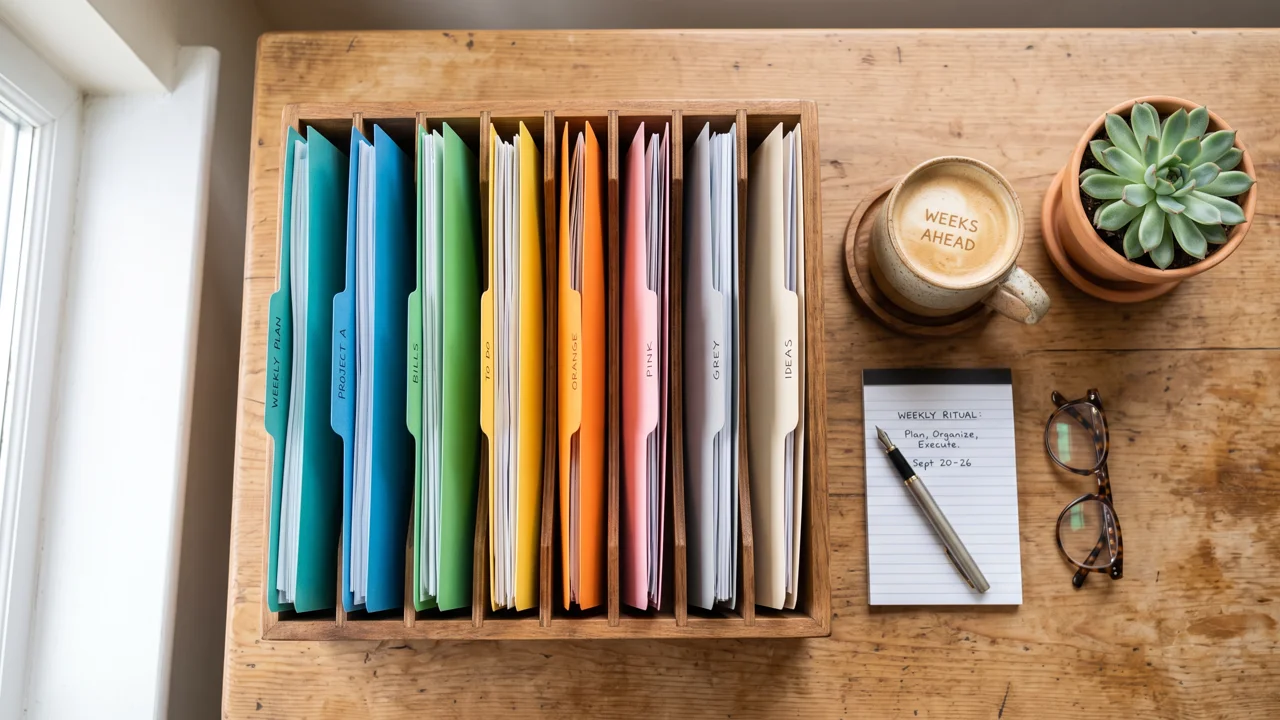
The five habits that matter more than the system
Whichever system you pick, these five habits do most of the heavy lifting:
- Name files like you’ll search for them. “Chapter 4” means nothing in December. “photosynthesis_ch4_notes” means everything.
- One file, one home. Duplicates across folders are how “essayFINAL_v2_REAL” is born. Link or shortcut instead of copying.
- Archive every semester. Move finished courses out of your active folders. A lean system gets used; a bloated one gets ignored.
- Keep syllabi sacred. The syllabus is the contract for the whole course — deadlines, grading, policies. It goes in _Admin and gets pinned.
- Automate what you can. Turn on auto-save and cloud sync so the system protects you even on lazy days.
What about the stuff on your phone?
Half your “files” aren’t files at all — they’re photos of whiteboards, screenshots of assignment portals, and PDFs trapped in messaging apps. The fix is boring and effective: pick one cloud folder as your phone inbox and share everything there the moment you capture it. Most cloud apps let you auto-upload camera photos, which means your whiteboard photos file themselves.
The one exception: screenshots of deadlines and grades. Those deserve thirty seconds to be renamed and filed properly, because the one time you’ll desperately need a screenshot of a grade dispute, “Screenshot_2026-11-02_184432” will not be findable. Future-you is counting on present-you for exactly this.
The trap to avoid: organizing instead of studying
There’s a special kind of procrastination where you spend three hours color-coding folders instead of reading chapter three. A file system is infrastructure, not achievement. Cap your setup at thirty minutes, then go do the actual work. You can refine the system during the weekly sort — a good system is maintained, not perfected.
And if you’re planning your week anyway, pair your new file system with a study planning setup in Todoist so your tasks and your files point at each other instead of living on different planets.

Your 20-minute starter checklist
Don’t read another article about this. Open your file manager and do this now: create the School folder, make one subfolder per current course, move this week’s files into them, rename the five messiest files with dates, and delete the duplicates you’re sure about. Twenty minutes, done.
Future-you — the one calmly finding the reading two minutes before class instead of panic-scrolling Downloads — says thanks.