
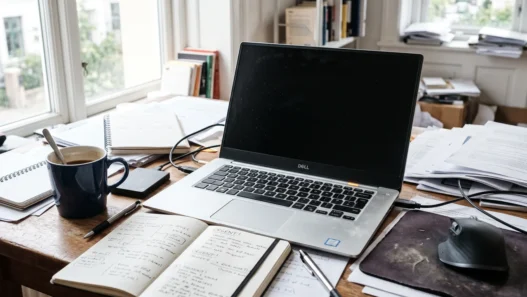


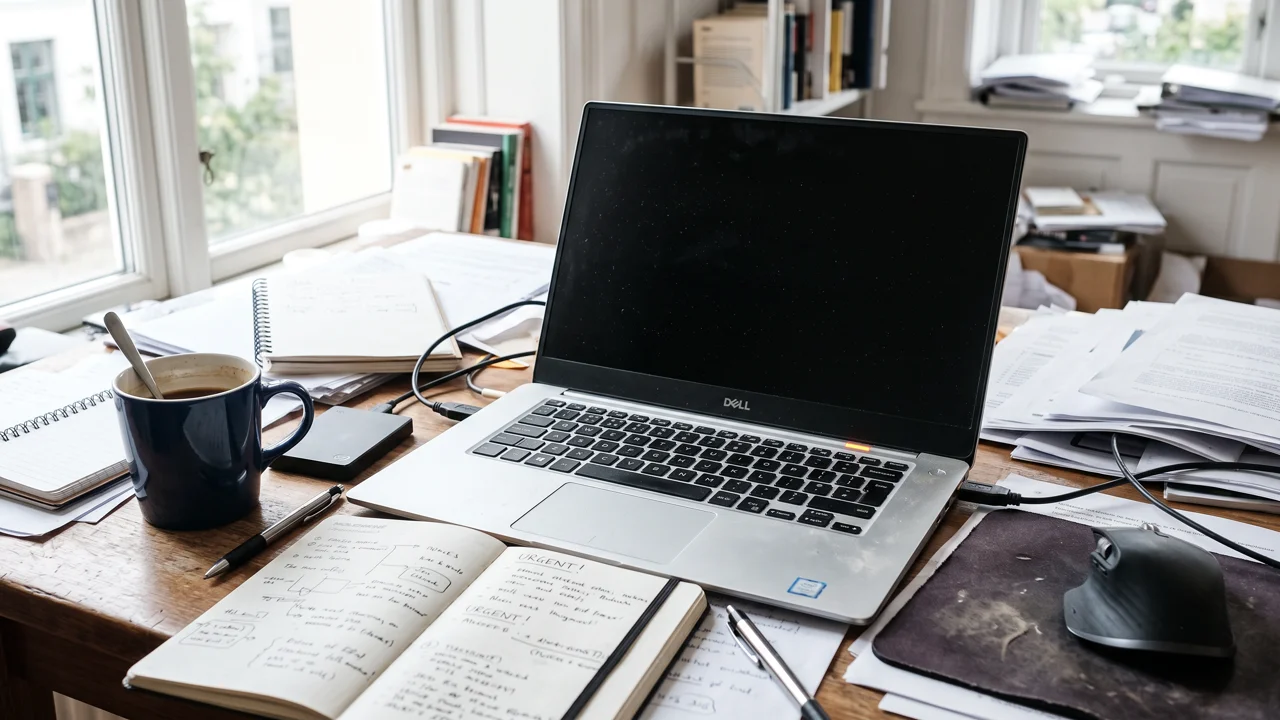
It was 2:47 a.m. The thesis was due at 9. Maya — let’s call her Maya, because this story belongs to roughly half of all students — watched her laptop screen go black and not come back. The repair shop’s verdict the next morning: dead hard drive, data unrecoverable. Eight months of research, gone. She rewrote the thesis in six weeks on four hours of sleep a night, and she still talks about it like a natural disaster.
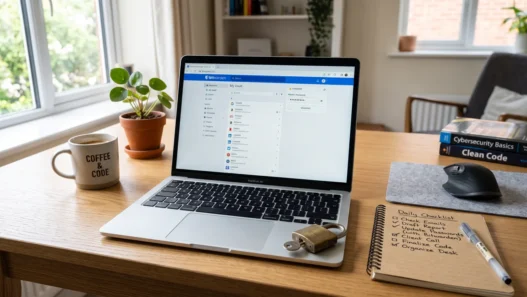
Here’s the thing: hard drives don’t care about your deadlines. Laptops get stolen from libraries, coffee spills happen, and USB sticks have the lifespan of a housefly. Backing up your schoolwork isn’t paranoia — it’s the cheapest insurance you’ll ever buy. And it takes about ten minutes to set up.
The 3-2-1 rule: the only backup theory you need
Photographers, IT departments, and archivists all swear by the same rule, and it’s beautifully simple:
- 3 copies of anything important (the original plus two backups)
- 2 different storage types (say, your laptop plus a cloud service — or a laptop plus an external drive)
- 1 copy off-site (so a stolen laptop or a flooded dorm room can’t take everything at once)
Notice what the rule doesn’t require: expensive software, a NAS server, or a computer science degree. For a student, “3-2-1” usually means your laptop + automatic cloud sync + one more copy somewhere. That’s it. If you can count to three, you can do this.
Option 1: Cloud sync (the backup you don’t have to think about)
This is the backbone for most students, because it requires zero discipline. Google Drive, OneDrive, Dropbox, iCloud — pick the one your school already gives you (many universities hand out free premium storage, so check before you pay for anything).
The trick is to make the cloud folder your actual working folder, not a place you copy things to “later.” Save your essays directly into Drive or OneDrive. Every Ctrl+S then backs up to the internet automatically. Later never comes; automatic always does.
Two caveats. First, sync is not the same as version history — learn where your service keeps old versions of files, because “I accidentally deleted chapter three” is recoverable if you know where to look. Second, cloud accounts get hacked and locked, which is why the 3-2-1 rule wants a second type of storage too.
Option 2: An external drive (cheap, fast, yours)
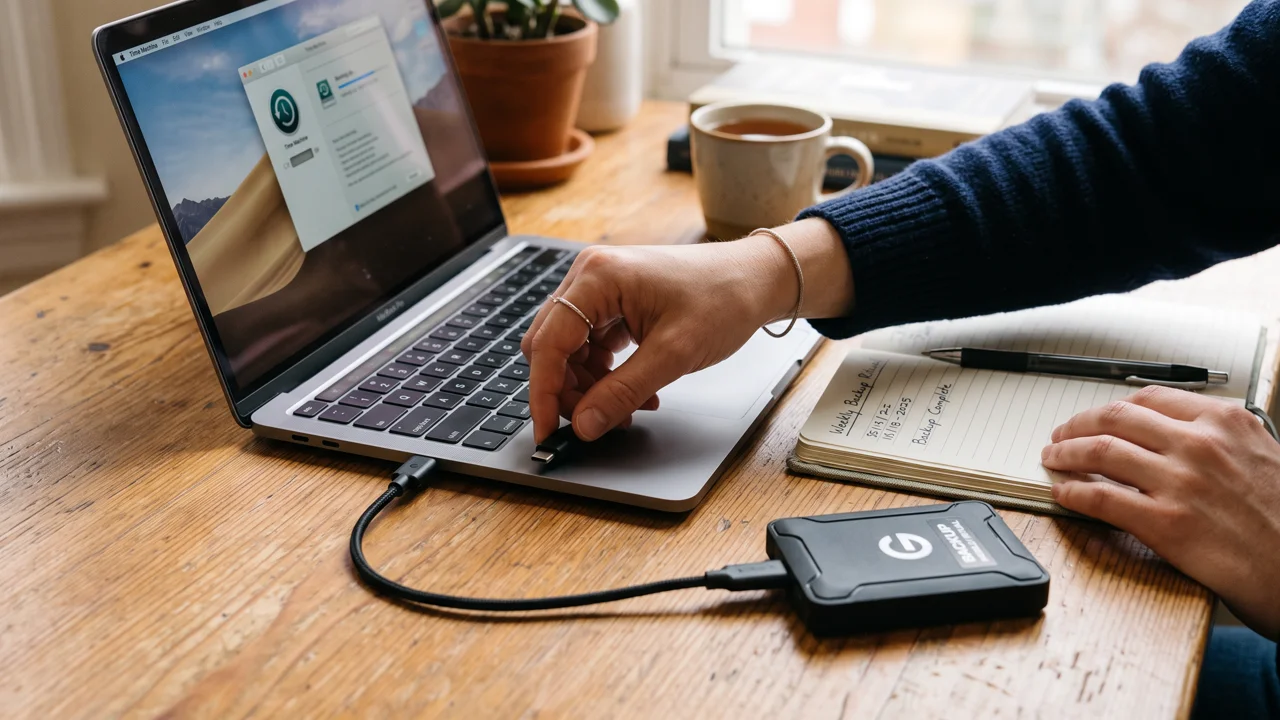
A basic 1TB external hard drive costs less than a textbook and holds roughly every essay you’ll write in four years, plus photos. Plug it in once a week, drag your School folder over, unplug it. Done in two minutes.
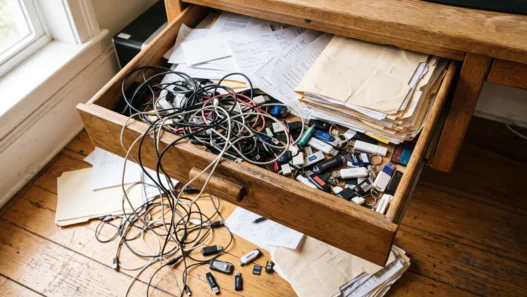
The unglamorous truth: external drives fail too — usually right when you’ve started trusting them completely. That’s why the drive is your second copy, not your only one. And keep it somewhere that isn’t your laptop bag, or the thief who takes the laptop gets the backup as a bonus.
SSD vs. spinning drive? For backups, a cheap spinning drive is fine. It’s slower, but you’re copying files once a week, not editing video off it. Save the money for coffee during finals.
Option 3: The free tier shuffle (for the truly broke)
No budget at all? Combine free tiers: your school’s cloud storage for active work, a free GitHub account for code and writing projects (it keeps every version of everything — overkill in the best way), and email your final drafts to yourself before every deadline. That last one sounds silly until the morning your laptop won’t boot and your thesis is sitting in your inbox, downloadable from any computer on Earth.
If your notes live in a system like Notion, remember that “it’s in the cloud” already satisfies one backup leg — but export your most important pages as PDFs once a semester anyway. Companies change pricing, accounts get locked, and a PDF on a USB stick answers to nobody.
Automate it or it won’t happen
Let’s be honest about human nature: any backup system that requires you to remember something will fail during the exact week you need it most — deadline week, when your brain is soup. So remove yourself from the process:
- Turn on auto-sync for your main school folder. This is the single highest-value click in this article.
- Set a weekly phone reminder — “plug in the drive, 9 p.m. Sunday” — until it becomes a habit.
- Use your OS’s built-in tool: File History on Windows or Time Machine on Mac. They’re free, they’re already installed, and they keep version histories automatically.
Then test it. Seriously — delete a junk file and restore it right now, while nothing is on fire. A backup you’ve never tested is a hope, not a backup. This is also when you discover that your “automatic” sync paused three months ago because you ran out of space, which is exactly the kind of thing you want to learn on a calm Tuesday.
What actually deserves backup (priority order)
Not everything is equally precious. If you’re starting from zero, back up in this order: 1) current semester’s coursework — the stuff with deadlines; 2) your thesis, portfolio, or capstone project — months of irreplaceable work, and if you’re building a portfolio while you learn, it’s also your career; 3) references and sources — PDFs are re-downloadable but hunting them down twice is miserable; 4) everything else.
The 10-minute setup (do it now)
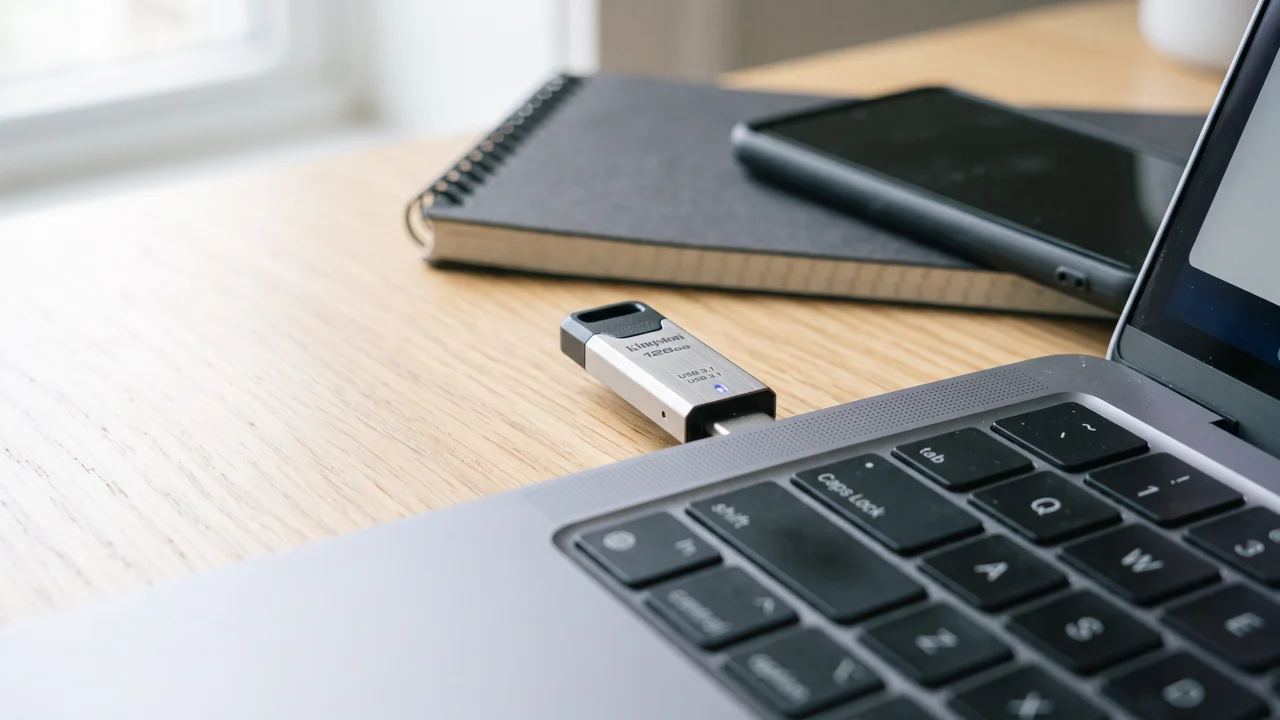
Stop reading and do this: turn on cloud sync for your school folder (3 minutes), plug in any USB drive you own and copy the folder to it (4 minutes), email yourself your most important current document (2 minutes), and set that Sunday reminder (1 minute). Congratulations — you now have three copies on two media types with one off-site. You’re following the same rule as professional archivists.
Maya rewrote her thesis. You don’t have to be Maya. Ten minutes today beats six weeks of 4 a.m. rewrites, every single time.