



Year after year, the lists of the world’s most-used passwords read like a joke: 123456, password, qwerty. Millions of people guard their bank accounts, their theses, and their entire digital lives with a password a toddler could guess. And the wildest part? Most of them think their password habits are fine.
Password advice has been terrible for decades — confusing, contradictory, and mostly ignored. So let’s clear it up with five myths, what the reality is, and a ten-minute fix at the end.
Myth 1: “A tricky password with symbols is the strongest”
Reality: length beats complexity, every time. For years we were told to make passwords like Tr0ub4dor&3 — hard to remember, annoying to type. But password-cracking math cares far more about length than about how many exclamation marks you cram in. Each extra character multiplies the guessing space enormously.
Security researchers who publish password-cracking time tables keep showing the same pattern: a short password made only of lowercase letters can fall to modern cracking hardware in seconds to minutes, while a long passphrase of random words — correct-horse-battery-staple style — can take centuries. Four random words you can actually remember beats eight tortured characters you’ll forget by Thursday.
The takeaway: stop building password puzzles. Build password sentences — long, random, memorable.
Myth 2: “Nobody would target me, I’m not important”
Reality: nobody is targeting you personally — that’s the problem. Modern password attacks aren’t a hacker in a hoodie choosing victims. They’re automated programs trying millions of leaked username-password pairs against thousands of sites per minute. It’s called credential stuffing, and it works because people reuse passwords.
Here’s how your “unimportant” account becomes valuable: you use the same password for a forum, your email, and your bank. The forum gets breached (forums get breached constantly), and now the attacker has the key to your email. Your email can reset every other password you own. Students are actually prime targets — university emails unlock software discounts, library databases, and sometimes financial aid portals.
You don’t need to be important. You just need to be in a leaked database, and billions of credentials are.
Myth 3: “I should change my password every 90 days”
Reality: forced rotation makes passwords weaker, not stronger. This one was official policy everywhere for years — until the research showed what actually happens: people take their password and add a number. Summer2024! becomes Summer2025!. Attackers know this trick; it’s one of the first patterns cracking tools try.
Even the U.S. standards body that popularized the rule (NIST) reversed itself years ago: don’t rotate passwords on a schedule; change them when there’s evidence of compromise. A strong, unique password you keep for years beats a weak one you change quarterly.
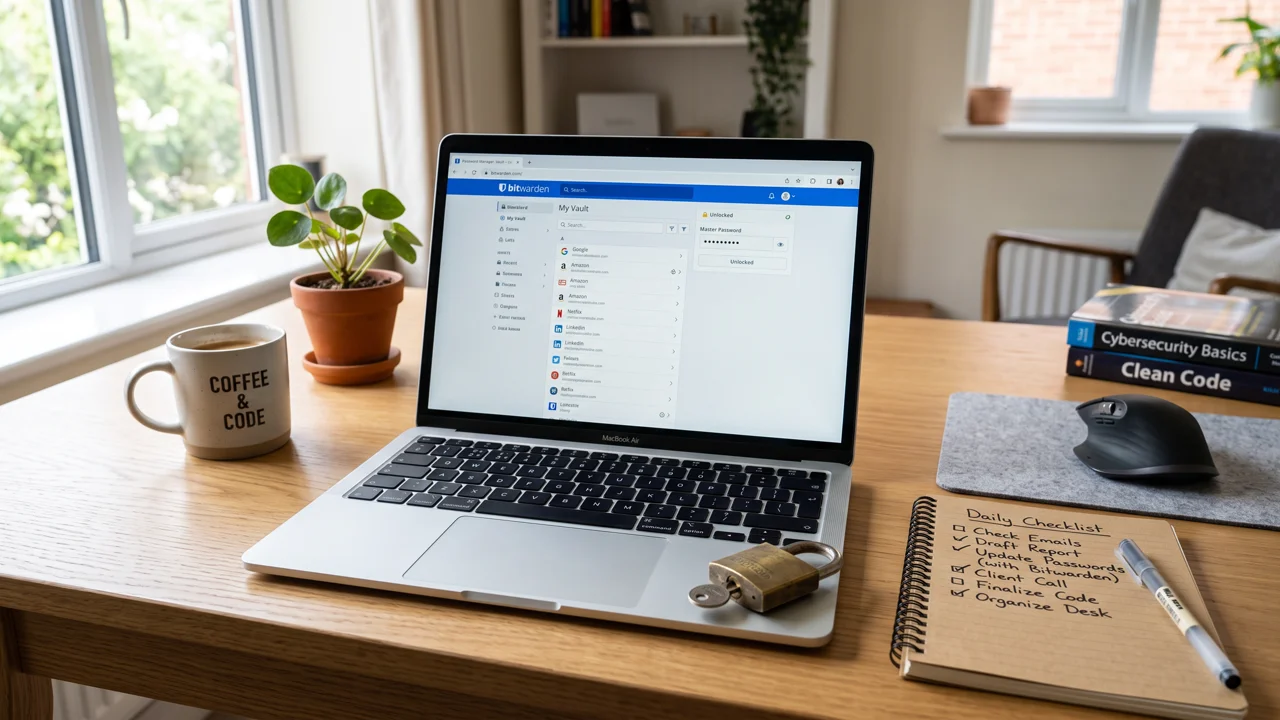
What should you do instead? Use a password manager — Bitwarden and Apple’s or Google’s built-in managers are free — and let it generate and remember a unique 16+ character password for every site. You remember one strong master password; it remembers the other two hundred.
Myth 4: “Two-factor authentication is overkill for a student”
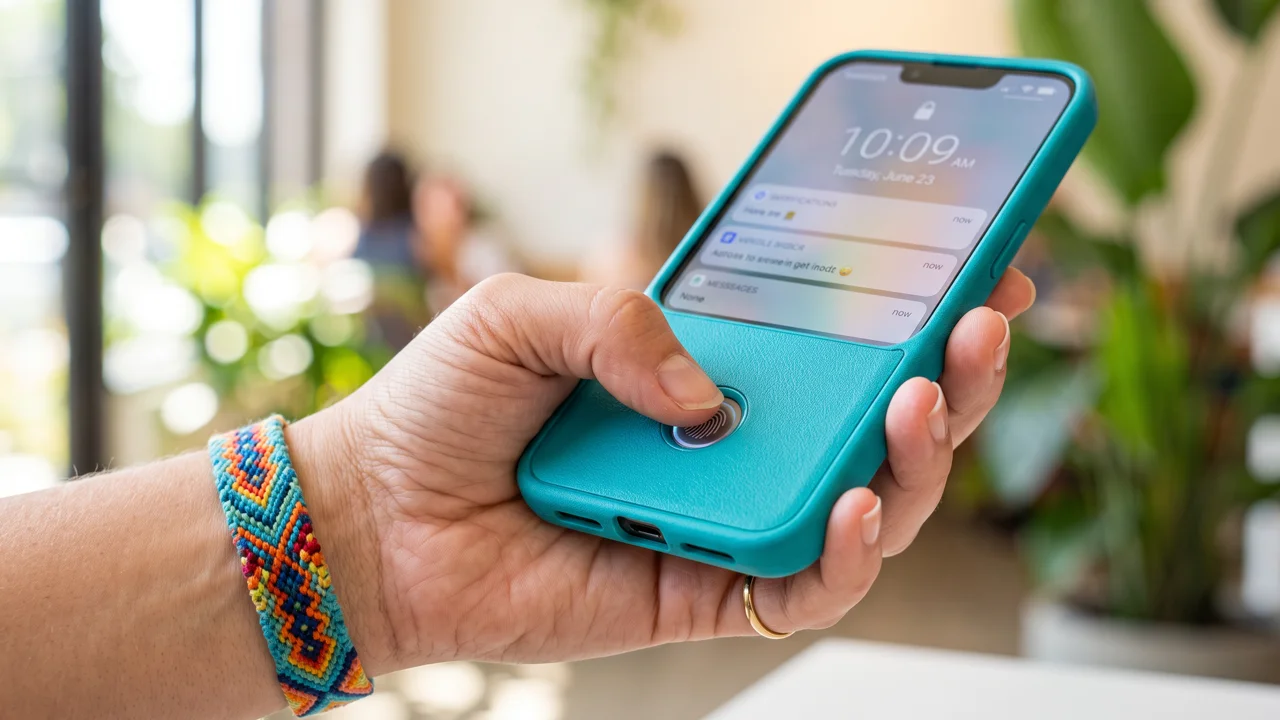
Reality: it’s the single biggest upgrade you can make. Even the strongest password can be phished, leaked, or guessed. Two-factor authentication (2FA) means an attacker needs your password and your phone. That one extra step blocks the vast majority of automated account takeovers.
Priority order: turn it on for your email first (it’s the master key to everything), then banking and financial apps, then school portals, then social media. Use an authenticator app rather than SMS codes when you have the choice — SIM-swapping attacks can intercept texts, and they happen more than you’d think.
And if a site offers passkeys — the newer login method using your device’s biometrics — take it. Passkeys can’t be phished at all, because there’s no password to steal. They’re the direction everything is moving.
Myth 5: “I’ll just remember all my passwords”
Reality: the average person now juggles around a hundred passwords. Nobody’s memory holds a hundred unique, strong passwords. So people do one of three things: reuse a handful (see Myth 2), write them in a notes app or — the classic — a document literally named “passwords,” or keep resetting via email every time they log in. All three are worse than a password manager.
“But what if the password manager gets hacked?” Fair question. Reputable managers encrypt your vault on your device, so the company itself can’t read your passwords — a breach of their servers doesn’t expose your vault. It’s not theoretically perfect; it’s just enormously better than the system 99% of people actually use, which is password chaos.
The 10-minute fix (do it in this order)
- Install a password manager (2 minutes) — Bitwarden is free and excellent; your browser or phone’s built-in one is fine too.
- Turn on 2FA for your email (3 minutes) — this is the master key; protect it first.
- Change your five most important reused passwords (5 minutes) — email, bank, school portal, and the two sites you’d cry about losing. Let the manager generate them.
That’s it. Ten minutes, and you’ve gone from “123456 energy” to better security than most professionals. Every new account you create from here on — every free trial, every course platform, every free course you sign up for — gets a unique generated password automatically.
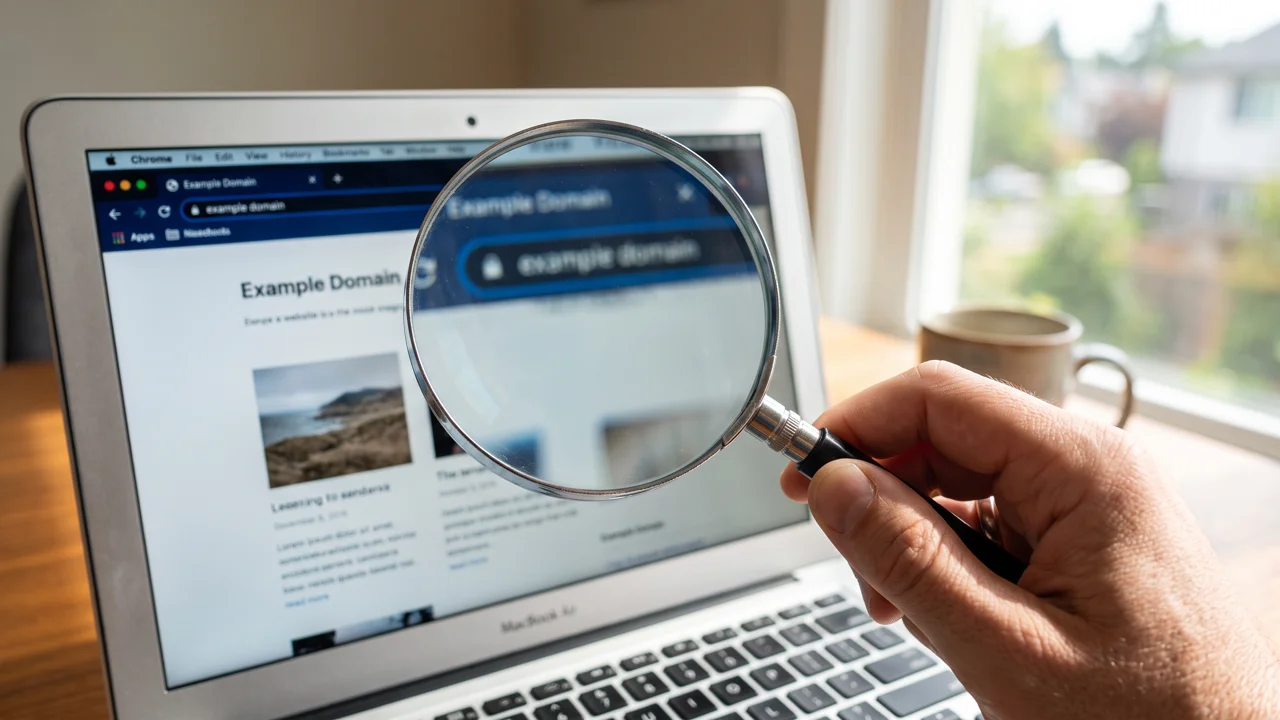
One last thing: when you’re choosing your first online course or any new platform, check that the site is legitimate before creating an account and handing it an email address. A strong password protects a real account; nothing protects you from typing your credentials into a phishing page. Look for the real domain, check reviews, and trust the uneasy feeling.
Your passwords don’t need to be clever. They need to be long, unique, and managed by software instead of your memory. The hackers are automated — your defenses should be too.
And one habit to build on top of the fix: once a year, run your email through a breach-checking service to see if it’s appeared in a known leak. If it has, change that password and anywhere you reused it. Ten minutes, once a year, on top of the ten minutes today — that’s the whole maintenance plan.