







Two years ago my study system was a single Apple Note titled “stuff to do” containing 47 undated items, three of which were just the word “exam” with no indication of which exam. I missed a Coursera peer-review deadline because it was item #31 on a list I never scrolled to the bottom of. That was the week I downloaded Todoist.
Todoist is a task manager — projects, tasks, due dates, priorities — available on basically every platform with a generous free tier. This isn’t a feature list, though. It’s the five mistakes I made setting it up, so you can skip straight to the system that actually works.
Mistake #1: Dumping everything into one giant list
My first Todoist setup was just my Apple Note with a nicer font: one project called “Study” containing everything. Within a month it had 60 tasks and I was ignoring it the same way I’d ignored the note. A long undifferentiated list isn’t a system; it’s a guilt inventory.
The fix: one project per course. “Spanish B2,” “Data Science Specialization,” “Piano” — each gets its own project. Suddenly you can see that Spanish has 3 tasks and Data Science has 19, which tells you exactly where the week went sideways. This mirrors the advice in our guide to balancing multiple courses at once: you can’t manage what you can’t see separately.
I also keep three permanent projects alongside the courses:
- 📥 Inbox — the default. Everything lands here first, unprocessed.
- 🔁 Routines — recurring tasks (daily review, weekly planning) live here so they don’t clutter course projects.
- 🎯 Someday — courses I want to take eventually, books to read, skills to explore. Out of sight, not out of mind.
Todoist’s free tier gives you 5 active projects, which sounds limiting until you realize it forces exactly this kind of discipline. Most students need 3–4 course projects plus Inbox. If you outgrow it, the Pro plan (around $4–5/month billed annually) unlocks 300 projects — but try the constraint first. Constraints are clarifying.

Mistake #2: Treating every task as equally urgent
For months, my Today view was a flat list of 12 tasks and I’d just… do the easy ones. Answer emails, reorganize notes, anything but the hard thing. The list didn’t tell me what mattered; it just told me what existed.
The fix: priorities, used ruthlessly. Todoist has four priority levels (P1–P4). The system that finally worked for me:
- P1 (red): the one thing that moves the needle today. Exactly one, maybe two. “Finish module 5 quiz.” If everything is P1, nothing is.
- P2: important but not today-or-die. “Review chapter 3 notes.”
- P3: maintenance. “Organize downloads folder.”
- P4 (default): everything else. No priority set means no priority — and that’s fine for most tasks.
Each morning, I look at the Today view sorted by priority and ask: if I only did the P1, would today count as a win? That single question replaced twenty minutes of anxious list-staring. It’s a lightweight version of the planning discipline that makes learning after work actually sustainable — decide what matters before you’re tired.
Mistake #3: Never looking at the Today view
This one sounds absurd — I had a task manager I didn’t open. But it’s the most common Todoist failure mode: you lovingly organize everything on Sunday, then live out of your head all week because opening the app feels like confronting a wall of obligations.
The fix: a 5-minute morning ritual and an honest evening shutdown. Morning: open Today, check what’s due, pick your P1. Evening (two minutes): check off what’s done, move what isn’t to a real date — not “tomorrow” indefinitely, which is how tasks go to die, but the actual day you’ll do it. Todoist’s natural language input makes this fast: type “Review flashcards every day at 8pm” and it creates a recurring task with the schedule parsed automatically.
The widget helps too. Put the Todoist Today widget on your phone’s home screen so the list finds you instead of requiring a pilgrimage. Friction is the enemy; this is the same consistency-over-intensity principle behind learning habits that stick.

Mistake #4: Forgetting recurring study tasks
Here’s what my old system never captured: the things that aren’t due on any particular day but matter enormously. Weekly review. Spaced repetition sessions. The “revisit chapter 2 in two weeks” that memory science says is the difference between knowing and forgetting.
The fix: recurring tasks for the maintenance work. Mine include:
- “Review this week’s notes” — every Sunday evening.
- “Anki reviews” — daily (even linking out to my flashcard app; the task is the trigger, the app is the tool).
- “Plan next week” — Sunday, 15 minutes.
- “Check course deadlines” — first of the month, so nothing like the peer-review incident happens again.
Recurring tasks are the closest thing Todoist has to a superpower for learners. One-time tasks manage your deadlines; recurring tasks manage your system. And when life happens and you skip one, the next occurrence just shows up — no guilt backlog, no “47 overdue” horror screen. It simply continues.
Mistake #5: Making tasks too big to start
“Study for exam” sat on my list for three weeks. Of course it did — it’s not a task, it’s a wish. Your brain looks at “Study for exam,” can’t picture the first physical action, and quietly opens YouTube instead.
The fix: subtasks and the two-minute test. Break anything big into subtasks that pass this test: could I start this in the next two minutes with no further planning? “Study for exam” becomes:
- Re-read chapters 4–5, highlighting unknowns (45 min)
- Make flashcards for unknown terms (30 min)
- Do practice set 3, timed (60 min)
- Review wrong answers and note patterns (30 min)
Todoist’s subtasks handle this naturally, and adding time estimates in brackets trains your planning muscle — you’ll be embarrassingly wrong at first (“that’ll take 20 minutes” → 90 minutes later), then gradually accurate. That calibration is a genuine life skill, not just a study trick.
Labels are the other half of this fix. I tag tasks by energy — @high-energy for problem sets and writing, @low-energy for organizing and light review. When I’m fried at 9 PM, I filter for low-energy tasks instead of pretending I’ll do calculus. Work with your brain, not against it.

Integrations actually worth turning on
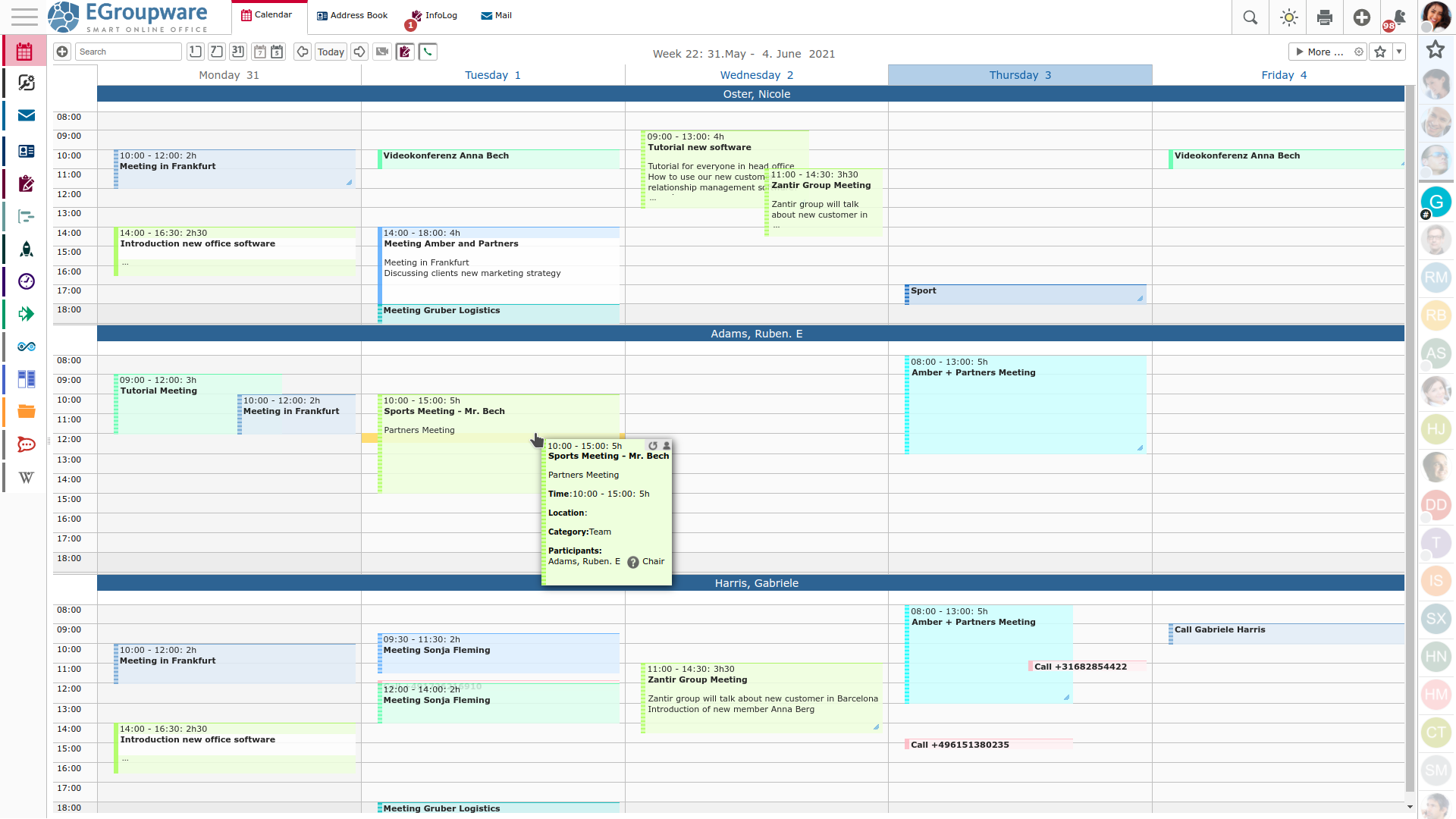
Todoist connects to a small universe of apps, and most of the integrations are noise. Two are genuinely useful for students. First, the calendar integration (Google Calendar or Outlook): your scheduled tasks appear alongside your classes and appointments, so “study block” and “dentist” stop colliding. Seeing tasks on a calendar also forces the honest question — when exactly will this happen? — which undated lists let you dodge.
Second, the browser extension: turn any webpage into a task in two clicks. Reading a course syllabus and spot a deadline? Clip it straight into the right project with the date attached, instead of the classic “I’ll add it later” (you won’t). Email integration exists too, but I’d skip it unless your courses run on email — most students just need the calendar and the clipper. Keep the toolchain small; every integration you don’t use is just settings-page clutter.
What the free plan actually gives you (and when to pay)
Let’s be concrete, because “generous free tier” is doing a lot of work in most reviews:
- Free (Beginner): 5 projects, subtasks, priorities, labels, filters, due dates, and natural-language input. No expiration. For a student juggling a few courses, this is genuinely enough — I ran on free for over a year.
- Pro (~$4–5/month annual): 300 projects, calendar view, custom reminders, AI features. Worth it if you want deadline reminders pushed to you (free tier reminders are limited) or you’re managing many parallel commitments.
- Business (~$6–8/user/month): team workspaces. Irrelevant for solo learners.
There’s no student discount at the time of writing, which is a shame — but the free tier is the real student plan here. Start there; upgrade only when a specific limitation actually bites you.
The weekly planning session that ties it together
If you take one ritual from this article, make it this: 15 minutes every Sunday. Open each course project. Look at what’s overdue (be honest, reschedule it). Look at what’s due this week. Add the P1 for each day. Check your Someday list — anything graduate to active? Anything to quit? (Our piece on knowing when to quit a course is the permission slip if you need one.)
That’s the whole system. Not an app review — a loop: capture in the Inbox, organize into projects, prioritize ruthlessly, review weekly. Todoist just happens to be an excellent container for it: fast, everywhere (iOS, Android, desktop, web, browser extensions), and free where it counts.
My “stuff to do” note is long gone. In its place: four course projects, a Today view I actually open, and — most importantly — no more missed peer reviews. The chaos didn’t need a more complex system. It needed a simpler one I’d actually use. ✅