





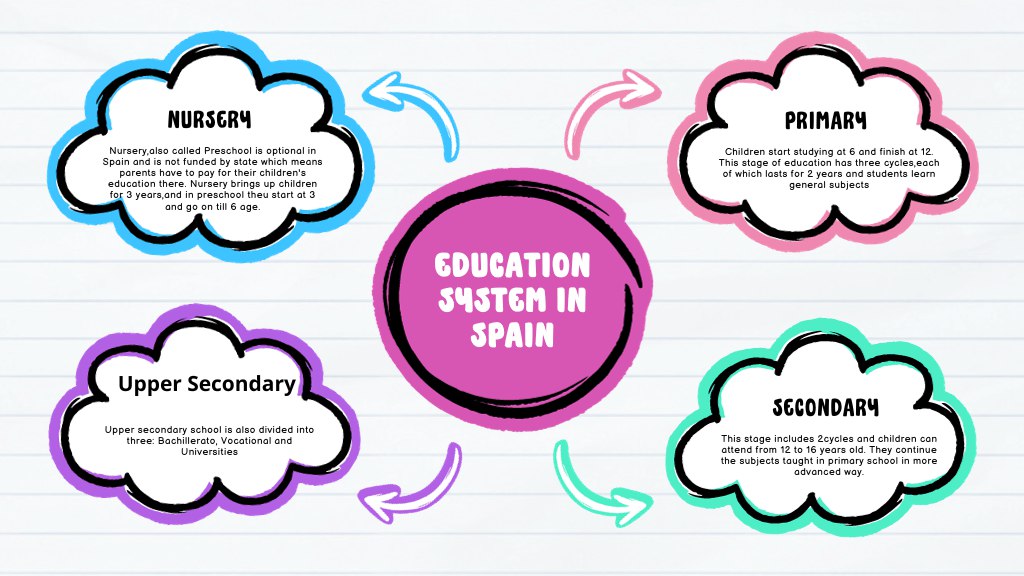
Some brains think in lists. Mine thinks in webs — I need to see how ideas connect before they make sense, and no amount of linear outlining ever fixed that. If you’re the same, mind mapping isn’t a cute productivity trick; it’s the difference between memorizing facts and actually understanding a topic.
A mind map is simple: one central concept, branches for the main ideas, sub-branches for details, colors and images to make it memorable. The research is encouraging — multiple meta-analyses have found that concept mapping improves academic achievement, largely because building the map forces you to decide what matters and how it relates. Passive highlighting doesn’t do that.
This guide covers how to mind map effectively for studying, then rounds up the tools worth your time — from the polished pro option to the completely free ones — with an honest comparison table at the end.
How to mind map a topic (the 10-minute method)
Before the tools, the technique — because a bad map in great software is still a bad map:
- Start with a blank page and one central node: the topic, e.g. “Photosynthesis.” Not the chapter title — the actual concept.
- Add 4–7 main branches: the big sub-topics. If you have more than seven, you’re listing, not mapping — group them.
- Branch deeper with keywords only. Single words or short phrases, never sentences. The constraint forces you to distill.
- Draw connections across branches. This is the step most people skip and the most valuable one. When two distant branches relate, link them — those cross-connections are where real understanding lives.
- Close the book and rebuild from memory. Your first map is made with the material open. Your second map — drawn from memory a day later — is the actual study session. Compare, fix the gaps, repeat. This is retrieval practice wearing a visual costume, and it pairs well with the Feynman Technique‘s emphasis on finding what you can’t yet explain.
A quick note on the “visual learner” framing: the idea that people have fixed learning styles doesn’t hold up in research — but that doesn’t mean visuals are useless. Everyone benefits from organizing information spatially sometimes. Mind maps work because they force active organization, not because of your “style.”
The tools, reviewed honestly
XMind — the polished pro choice
XMind is the closest thing mind mapping has to an industry standard. The desktop apps (Mac, Windows, Linux — plus iOS and Android) are fast, offline-capable, and genuinely beautiful, with more map structures than anyone else: classic mind maps, fishbone diagrams, org charts, timelines, matrices. There’s a Zen mode that strips the interface to just your map, and a Pitch mode that turns a map into a presentation.
Pricing: there’s a free tier (limited — capped number of maps, watermarked exports), with Pro around $59/year unlocking the full experience. For a student making maps regularly, Pro is reasonable; for occasional use, the free tier suffices.
Best for: students who mind map weekly and want the smoothest experience. The export options (PDF, PNG, Word, Markdown) are excellent for turning maps into study sheets.
Watch out for: collaboration is weak compared to web-first tools — it’s a solo instrument, not a band.
MindMeister — the collaborative web option
MindMeister lives in the browser, which means nothing to install and real-time collaboration that actually works — you can build a map with a study group while on a call. The interface is clean, templates are good, and it integrates with MeisterTask if your group also manages tasks there.
Pricing: free plan covers up to 3 mind maps (fine for trying it), with paid tiers starting around a few dollars a month for unlimited maps and exports. There’s also discounted education pricing, worth checking if your school qualifies.
Best for: group projects and study groups. If you’re mapping with people, this is the pick.
Watch out for: the 3-map free limit hits fast, and being web-only means no offline mapping on the train.
FreeMind — the free, no-frills workhorse
FreeMind has been around since 2000, it’s completely free and open-source, and it looks like it. No cloud, no collaboration, no AI — just fast, keyboard-driven mind mapping on your desktop. There’s something to be said for a tool that does one thing, does it offline, and will never surprise you with a pricing change.
Best for: budget-zero students who want a dependable desktop mapper and don’t care about aesthetics.
Watch out for: the learning curve is real (keyboard shortcuts are the whole interface philosophy), and exports look dated. It also hasn’t seen the rapid development of newer tools.
Obsidian Canvas — the thinking-tool hybrid
If you already keep notes in Obsidian, Canvas is the mind-mapping feature hiding inside it: an infinite whiteboard where your actual notes become cards you can arrange spatially, linked to the source material. You’re not redrawing knowledge — you’re reorganizing knowledge you already have. And it’s free, since it’s part of Obsidian’s free core app.
Best for: students building a long-term knowledge base who want maps connected to their notes rather than standalone diagrams. We covered the full system in our Obsidian for learning guide.
Watch out for: it’s a whiteboard, not a dedicated mapper — fewer auto-layouts and structures than XMind, and you need to buy into the Obsidian ecosystem for it to shine.
SimpleMind — the mobile-friendly middle ground
SimpleMind deserves a mention for students who map on phones and tablets: the mobile apps are genuinely good (most mappers treat mobile as an afterthought), sync works across devices, and there’s a free version with a paid upgrade for the full feature set. Less powerful than XMind on desktop, more pleasant than FreeMind everywhere.
Best for: mapping on the go — sketching a map on your phone right after a lecture, then refining on desktop.
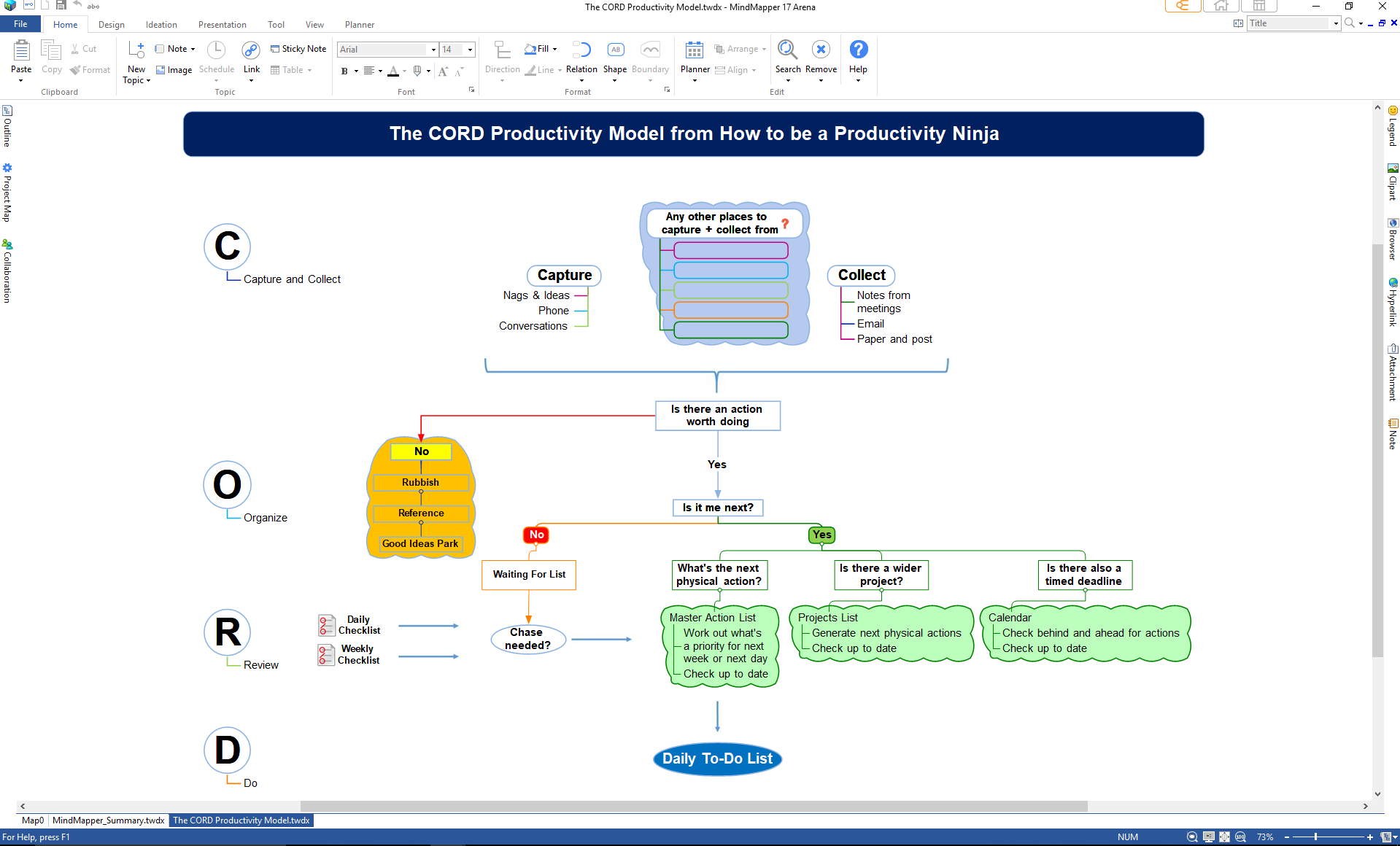
The comparison table
| XMind | MindMeister | FreeMind | Obsidian Canvas | SimpleMind | |
|---|---|---|---|---|---|
| Price | Free tier; Pro ~$59/yr | Free (3 maps); paid from ~$4/mo | Free, open-source | Free (in Obsidian) | Free; paid upgrade |
| Platforms | Mac, Win, Linux, iOS, Android | Web, iOS, Android | Mac, Win, Linux | Mac, Win, Linux, iOS, Android | Mac, Win, iOS, Android |
| Offline | Yes | No | Yes | Yes | Yes |
| Collaboration | Weak | Excellent | None | None | Basic |
| Map structures | 8+ types | Mind maps | Mind maps | Freeform canvas | Mind maps |
| Learning curve | Easy | Easy | Steep | Medium | Easy |
| Best for | Regular solo mappers | Study groups | Zero budget | Connected notes | Mobile mapping |
Paper vs. digital: an honest take
Everything above assumes an app, so let me say the unfashionable thing: paper mind maps are excellent, and for many students they’re better. A blank sheet and colored pens remove every UI distraction, force spatial thinking (you literally run out of room, so you must prioritize), and the physical act of drawing seems to aid memory for some people. The research on concept mapping mostly studied paper maps, after all.
Digital wins on three things: rearranging (drag a branch instead of redrawing the page), storage (a semester of maps in your pocket), and multimedia (linking a branch to the lecture video or your notes). My actual workflow is hybrid: rough maps on paper during the first pass through material, then a clean digital version when the structure is clear — the redrawing is a review session. If you’re choosing between a fancy app and a sketchbook, start with the sketchbook. The tool never mattered as much as the thinking, and a student with paper maps and good recall habits will outperform one with a Pro subscription and none.
How mind maps fit a real study routine
A mind map is a tool, not a routine. Here’s where mapping earns its place alongside your other methods:
- At the start of a topic: build a quick map from the syllabus or chapter headings. It becomes your territory overview — you always know where you are. This complements the planning approach in our note-taking methods guide.
- After each study session: add what you learned to the map. The map grows with your understanding, which is motivating in a way a checklist isn’t.
- Before the exam: redraw the map from memory on paper. Whatever you can’t reproduce is what you don’t know yet — the most honest self-test there is. Then consolidate with the techniques in our review and consolidation guide.
One caution: mapping can become procrastination in disguise. A beautiful, color-coded, icon-studded map that took three hours to make is often less useful than an ugly one made in twenty minutes from memory. The value is in the thinking, not the artifact. Set a timer; when it rings, the map is done.

The verdict
Start free — FreeMind or Obsidian Canvas cost nothing and teach you whether mapping suits your brain. If you find yourself mapping weekly and craving polish, XMind Pro is worth the ~$59/year. If you’re mapping with a study group, MindMeister’s collaboration justifies its price. And whatever tool you choose, remember the real technique: map from memory, connect across branches, and let the ugly first draft do the teaching. Your brain will thank you. 🗺️