





Here’s the Sunday-night ritual nobody teaches you: you open your week, see a blur of classes, shifts, assignments, and good intentions — and by Wednesday, the plan has collapsed into chaos. The to-do list grows. The calendar stays empty. Everything feels urgent because nothing has a time.
Time blocking fixes this with one simple idea: instead of keeping a list of what to do, you assign every task a when. Each block of your day gets a job. It’s the planning method used by everyone from Cal Newport to Elon Musk (who famously plans his day in 5-minute chunks — you don’t need to go that far). Here’s how to set it up in about 20 minutes.
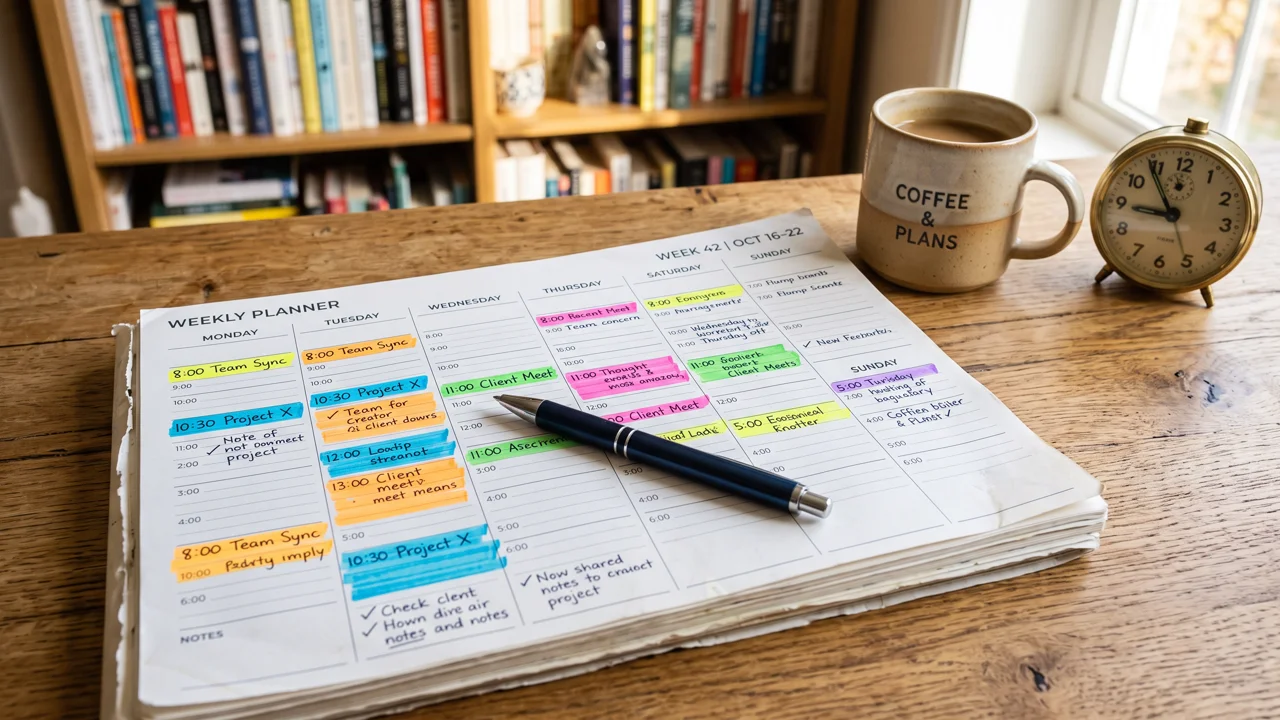
Why To-Do Lists Fail (And Blocks Work)
A to-do list tells you what matters but not when it happens — so the important-but-not-urgent stuff (studying for the exam in two weeks, the essay draft) gets postponed forever while urgent trivia eats your day. Psychologists call the fix an implementation intention: deciding in advance when and where you’ll do something dramatically increases follow-through. “I’ll study Thursday” is a wish. “I’ll study Thursday 4–6 PM in the library” is a plan your brain treats as a commitment.
Time blocking also forces honesty. A to-do list can hold 40 hours of tasks in a 10-hour day and never complain. A calendar can’t — when the day is full, you see it’s full, and you’re forced to prioritize.
The 20-Minute Setup
Minutes 1–5: Brain dump everything
Grab paper or a notes app and list every commitment for the week: classes, work shifts, assignments with deadlines, workouts, social plans, chores, everything. Don’t organize yet — just empty your head. A cluttered mind can’t plan; it can only worry.
If your tasks live in an app already, even better — Todoist or any task manager works as the capture inbox. The calendar is where tasks go to get scheduled.
Minutes 5–10: Anchor the fixed blocks
Put the non-negotiables on your calendar first: classes, shifts, sleep, meals. These are the rocks. Everything else flows around them. Be realistic about sleep — blocking 5 hours of sleep isn’t planning, it’s fiction.
Minutes 10–18: Block your priorities
Now schedule the important work. Rules of thumb:
- Study in 60–90 minute blocks. Long enough for deep work, short enough to sustain. Pair them with Pomodoro-style breaks inside if that helps you.
- Put hard tasks in your peak hours. Morning person? Math at 9 AM, easy admin at 4 PM. Match difficulty to energy.
- One big task per block. “Study biology” beats “study + answer emails + plan weekend” in the same slot. Multitasking is just doing several things badly.
- Block buffer time. Leave 15–30 minutes between blocks. Tasks overrun; buses are late. Buffers keep one delay from nuking the whole day.
- Schedule fun deliberately. Yes, block leisure too. Planned rest is restorative; stolen rest is guilt-flavored.
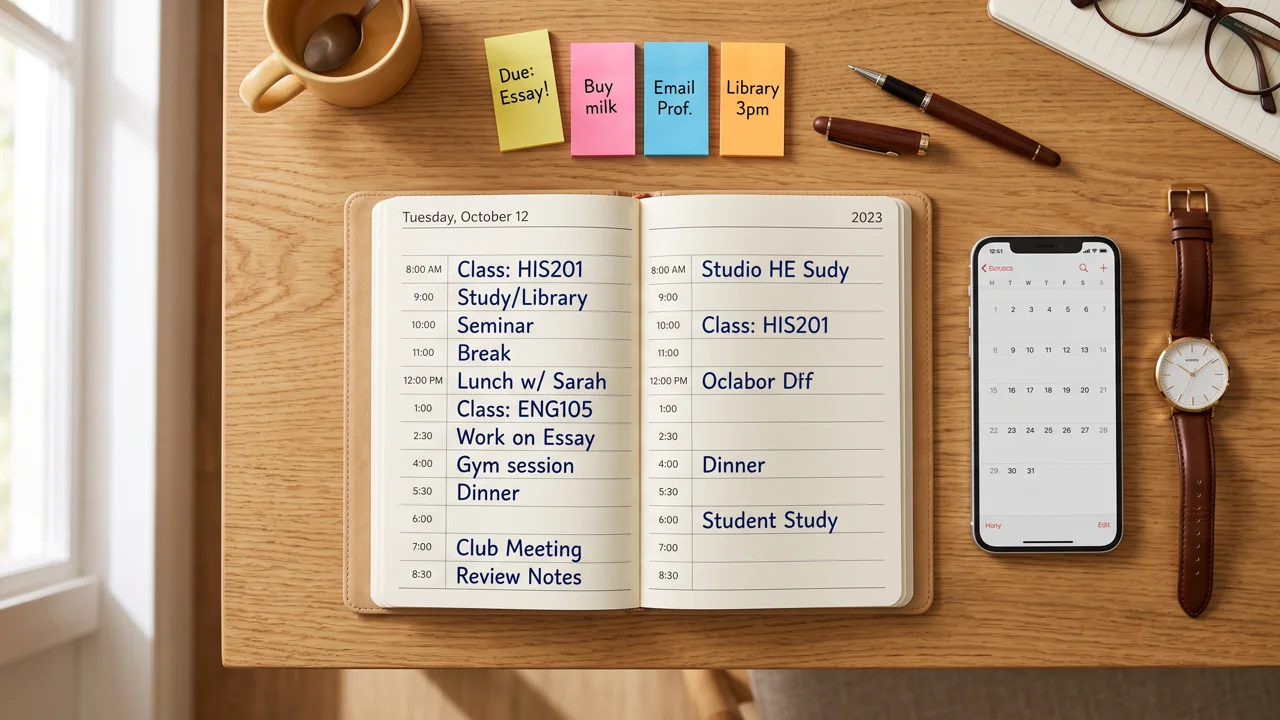
Minutes 18–20: The nightly 5-minute review
Time blocking isn’t set-and-forget. Each evening, spend five minutes reviewing tomorrow: move what didn’t happen, adjust for new deadlines, and confirm the plan. This tiny habit is what separates people whose calendars work from people whose calendars are decorative.
A Sample Tuesday
Here’s what a blocked day looks like for a student with morning classes:
- 7:00–8:00 — Wake, breakfast, get ready
- 8:00–8:30 — Buffer / commute
- 8:30–11:30 — Classes (fixed)
- 11:30–12:30 — Lunch + walk
- 12:30–2:00 — Deep work block: essay draft (phone in another room)
- 2:00–2:30 — Buffer / snack
- 2:30–4:00 — Deep work block: problem set
- 4:00–5:30 — Gym
- 5:30–7:00 — Dinner + relax
- 7:00–8:30 — Light block: review notes, plan tomorrow
- 8:30–10:30 — Free evening (guilt-free — it’s on the calendar)
- 10:30 — Wind down, bed
Notice the white space. A good time-blocked week has breathing room — that’s what makes it sustainable.
What to Do When the Week Explodes
Some weeks, the plan won’t survive contact with reality — surprise assignments, illness, life. Don’t abandon the system; re-block. Spend 10 minutes moving the displaced blocks to new slots, and let something low-priority slide to next week. The goal was never a perfect week. It was knowing, at all times, what matters most right now — and a re-blocked calendar still tells you that.
Paper or Digital? Pick Your Fighter
Time blocking works on anything, but the medium matters for consistency:
- Digital calendars (Google Calendar, Apple Calendar) win on reminders, rescheduling by drag-and-drop, and color-coding. Best if your schedule changes often.
- Paper planners win on memory — writing by hand encodes the plan more deeply — and on keeping you off your phone. Best if screens distract you.
- The hybrid: plan on paper Sunday night, then transfer fixed blocks to digital for reminders. Slightly more work, best of both worlds.
There is no wrong answer, only the one you’ll actually open every day. Try digital for two weeks; if you keep ignoring it, switch to paper.
Common Beginner Mistakes
- Blocking every minute. Leave 20–30% of the day unscheduled. Life happens; rigid plans shatter.
- Underestimating task time. Everything takes longer than you think — multiply your first estimates by 1.5 until you learn your real pace.
- Skipping the review. An unreviewed calendar rots within days. The 5-minute nightly check is the whole system.
- Treating blocks as prison. Blocks are intentions, not laws. If a friend crisis or a great opportunity appears, move things. The calendar serves you, not the reverse.
Start This Sunday
You don’t need a perfect system — you need a started system. This Sunday, take 20 minutes: dump, anchor, block, and schedule tomorrow’s review. By next Sunday you’ll know what to tweak, because real data beats perfect theory.
Time blocking won’t give you more hours. It gives you something better: the feeling that your hours are yours, spent on purpose instead of evaporated. That’s the whole game.
Want to go deeper on making the habit last? Read how to build a learning habit that sticks — because the best schedule in the world only works if you keep showing up to it.