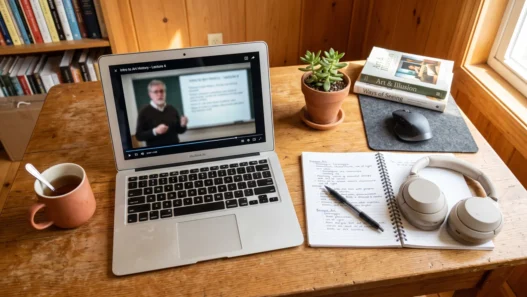




You press play on a 40-minute lecture video. You take a few notes, nod along, feel quietly productive. Then the exam comes, and it’s like you never watched it at all. Sound familiar? You’re not broken, and you’re not lazy. You’re just watching educational videos the way you’d watch a sitcom — and your brain files them away the same way: as entertainment, not knowledge.
There’s a better approach, and researchers have a name for it: active watching. It turns out that how you watch matters far more than how much you watch. A focused 25-minute session can teach you more than three hours of passive playback. Here’s how to do it.
Why Your Brain Treats Lecture Videos Like Netflix
When you watch passively, your brain is in consumption mode. The information flows past you, you recognize it in the moment (“yeah, that makes sense”), and you confuse recognition with recall. Recognition feels like learning. It isn’t.
Cognitive scientists call this the fluency illusion: because the lecturer explains things smoothly, your brain assumes it could reproduce the explanation. Then the blank exam page proves otherwise. Studies on video-based learning consistently show that students who simply watch and rewatch score worse than students who watch once but work with the material.
The fix isn’t watching more. It’s watching differently — engaging with the video the way you’d engage with a tutor sitting across from you.
The Active Watching Method, Step by Step
1. Preview before you press play (3 minutes)
Before the video starts, skim the title, description, chapter markers, and any slides or timestamps. Write down one or two questions you hope the video answers. This primes your brain to hunt for answers instead of drifting.
It sounds trivial, but having a question in mind changes everything. Your attention system now has a target, and it will flag relevant moments automatically. Students who preview consistently report that videos feel “shorter” — because their brains were busy, not bored.
2. Watch in chunks, not marathons
Split the video into 10–15 minute segments. After each chunk, pause and do a 60-second brain dump: without looking at your notes, say out loud (or scribble down) the main idea you just heard. This is retrieval practice, and it’s one of the most powerful learning techniques ever studied — far more effective than rewatching or highlighting.
Yes, pausing feels slower. It isn’t. One pass with retrieval beats three passive passes, and it takes less total time.
3. Interrogate the video
Don’t just absorb — argue. When the speaker makes a claim, ask yourself: Why is that true? What’s the evidence? When would this not apply? This technique, called elaborative interrogation, forces your brain to connect new ideas to things you already know. Connections are what make memories stick.
If the video has a comments section, even better: explaining a concept in your own words to someone else is the famous Feynman technique in disguise.
4. Take notes that fight back
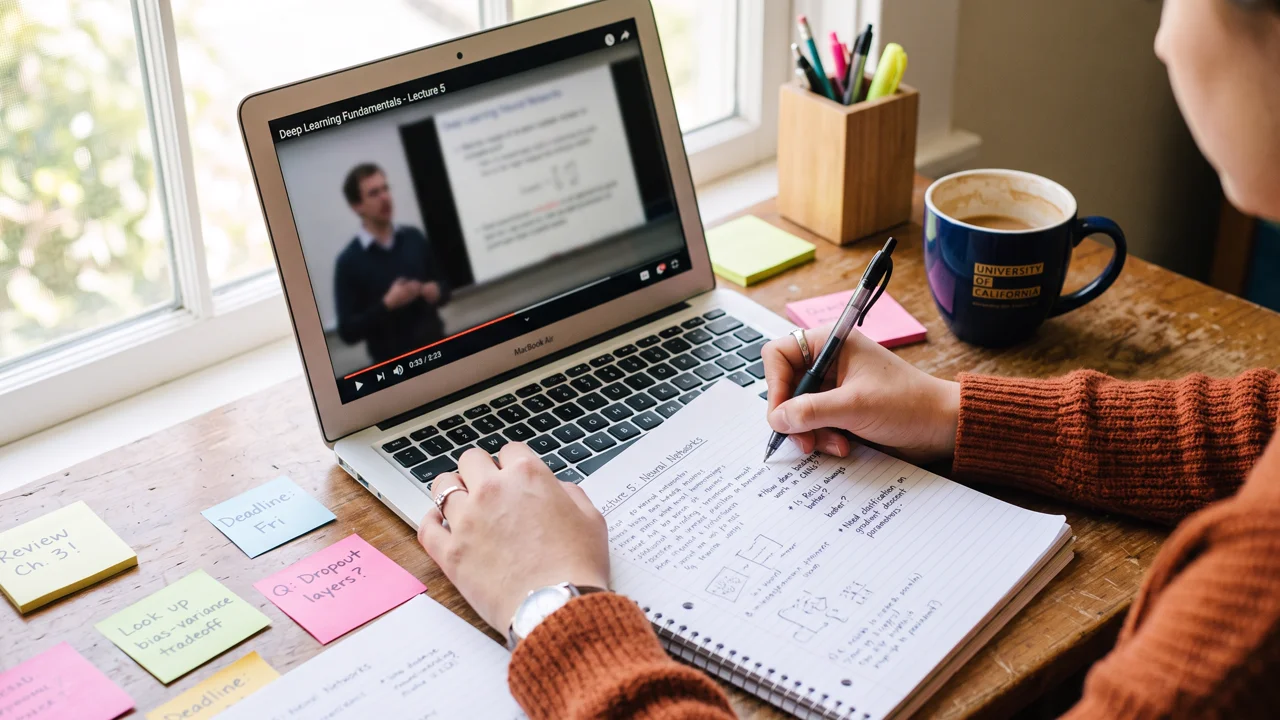
Copying the lecturer’s slides word for word is just typing practice. Instead, take question-based notes: write the question on one side and the answer in your own words on the other. Later, you can cover the answers and quiz yourself — instant flashcards, made for free.
Research on note-taking shows that summarizing in your own words beats transcribing, because it forces your brain to process meaning rather than just record words. If you want a full system for this, our guide to note-taking methods that actually work goes deeper.
5. Use speed settings strategically
Watching at 1.5x or 2x feels efficient, but studies suggest comprehension starts dropping noticeably above 1.25x–1.5x for dense material. The smart move: slow down for hard parts, speed up for easy parts. Most players let you adjust on the fly — use that.
And turn on captions. Reading along while listening engages two channels at once, which helps many learners — especially with accents, technical terms, or fast talkers.
What About Live Lectures and Webinars?
Everything above works for live sessions too, with one adjustment: you can’t pause the professor. Instead, use the question margin technique — keep a narrow column in your notes where you jot questions and confusions as they occur, without stopping to resolve them. After the session, spend 10 minutes answering them from memory or the recording. This preserves the retrieval benefit without breaking your flow during the live event.
If the platform has chat or Q&A, use it. Typing a question forces you to articulate what’s unclear, which is itself a form of active processing — and instructors consistently say that engaged chat participants retain more than silent lurkers.
The 3 Mistakes That Kill Retention
- Rewatching instead of recalling. If you didn’t get it the first time, rewatching the same way rarely helps. Pause, try to explain it yourself, then rewatch the tricky part.
- Phone in reach. A single glance at a notification can cost you minutes of focus. Put the phone in another room — or at least face-down and silenced. (Our tips on learning from YouTube without getting distracted cover the full setup.)
- Marathon sessions. Your focus degrades after 25–40 minutes. Schedule short breaks between videos instead of chaining five lectures back to back.
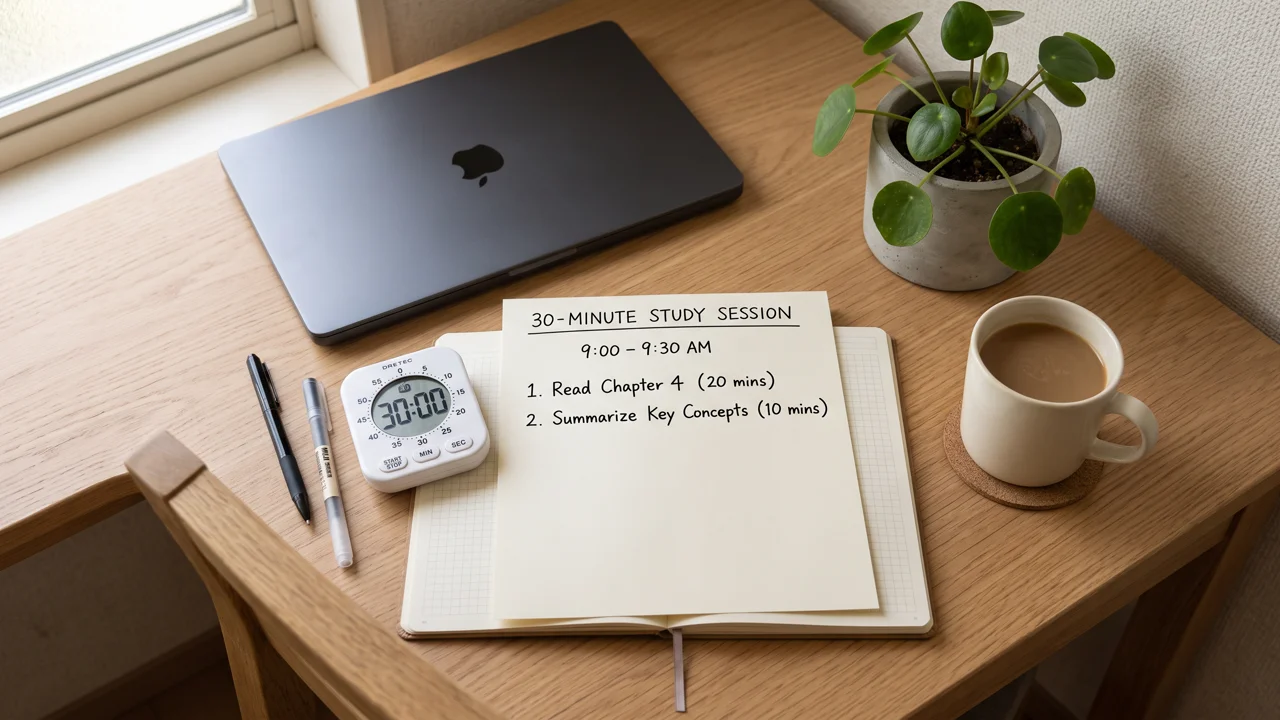
Your First 30-Minute Active Session
Want to try it tonight? Here’s the whole method compressed into one session:
- Minutes 0–3: Preview the video, write 2 questions you want answered.
- Minutes 3–13: Watch chunk one. Phone away, captions on.
- Minute 13–14: Pause. Brain dump: what was the main idea?
- Minutes 14–24: Watch chunk two, interrogating claims as you go.
- Minutes 24–27: Write question-based notes in your own words.
- Minutes 27–30: Quiz yourself from your notes. Star anything you couldn’t recall — that’s tomorrow’s review.
The Bottom Line
Educational videos aren’t the problem — passive watching is. The same video that teaches you nothing on autopilot can teach you a ton when you preview, pause, question, and retrieve. It takes a bit more effort per minute, but you’ll need far fewer minutes. Your future exam-taking self will thank you.