





UGC — user-generated content — is one of the few corners of the internet economy where you don’t need followers to get paid. Brands pay everyday creators to make authentic-looking videos and photos about their products: unboxings, testimonials, “get ready with me” clips, demos. No audience required. Just the ability to make a product look good on camera.
It sounds almost too good to be true, which is exactly why this guide exists. Here’s the real playbook: what UGC actually is, the gear you genuinely need, how to build a portfolio from zero, where to find your first gigs, and what to charge. No hype, no “six figures in 90 days” — just the steps. 📱

Step 1: Understand what UGC actually is (and isn’t)
UGC creators make content for brands to post on the brand’s channels — not for the creator’s own feed. That’s the key distinction. An influencer posts to their own audience; a UGC creator hands the video file to the brand, and the brand runs it as an ad or organic post. You don’t need 100k followers. Many working UGC creators have a few hundred.
Typical UGC deliverables: 15–60 second vertical videos (unboxing, first impressions, tutorials, testimonials, “day in my life” featuring a product), plus still photos. Brands use them as ads because they outperform polished commercials — viewers trust something that looks like a real person’s phone video more than a studio production.
What UGC isn’t: passive income, a get-rich-quick scheme, or something you can do without learning any skills. The creators earning steady money treat it like a craft and a business. The ones who wash out treat it like a lottery ticket.
Step 2: Get your gear sorted (it’s less than you think)
Here’s the equipment list that actually matters, in order of importance:
The non-negotiables
- A decent smartphone. Any recent phone shoots good enough video for UGC. Don’t buy a camera yet — your phone is the tool brands expect you to use, since the content should look native to social feeds.
- Good lighting. This is the real difference-maker. A window with indirect daylight is free and excellent. A $25–$40 ring light or softbox is the first purchase worth making — it makes every video look dramatically more professional.
- Clear audio. Viewers forgive mediocre video; they don’t forgive bad audio. Film in a quiet room, get close to the mic, and consider a $20–$50 lavalier mic once you’re earning.
- A tripod or phone mount. Shaky footage screams amateur. A basic tripod costs less than a pizza.
The nice-to-haves (later)
Backdrops, a dedicated filming corner, editing software beyond free apps, props. All useful eventually — none required to start. The biggest beginner mistake is gear-shopping instead of filming. Your first twenty videos will be rough no matter what camera you use; make them with what you have.
For the editing side specifically, our sibling guide on video editing courses for Reels and TikTok covers which skills actually matter for short-form content.
Step 3: Learn the core skills (yes, there are courses for this)
UGC looks casual, but the good stuff is deliberate. The skills that separate paid creators from hopefuls:
- Hooking in 3 seconds. The opening frame and first line decide whether anyone watches. Study ads you didn’t skip and ask why.
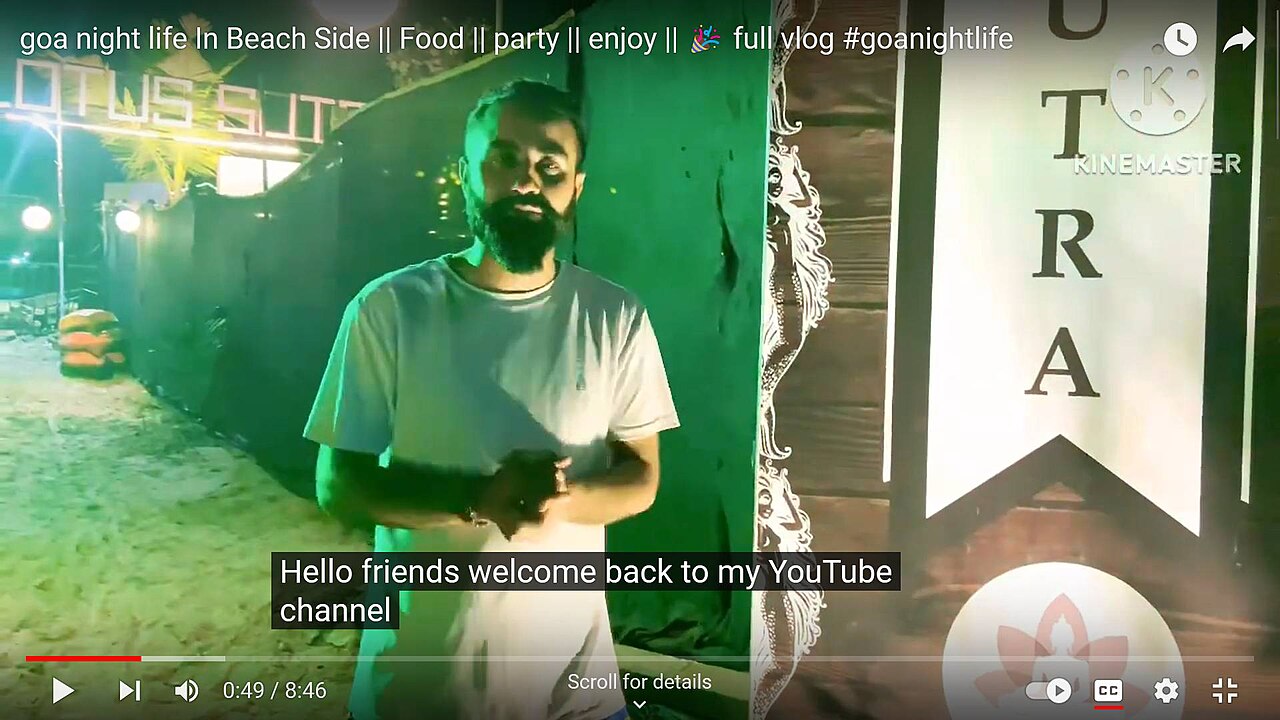
- Natural delivery. Talking to a camera like it’s a friend, not performing like it’s an audition. This is a muscle — it develops with reps.
- Basic editing rhythm. Jump cuts, captions, pacing, trending audio. You don’t need to be a film editor; you need to hold attention for 30 seconds.
- Understanding the brief. Brands give you talking points and requirements. Professionals follow them exactly and deliver on time. Reliability gets you repeat work faster than talent does.
This is where courses genuinely help — a structured program can compress months of trial-and-error into weeks, especially for on-camera confidence and editing workflow. When evaluating options, our guide to choosing your first online course applies perfectly, and the free-vs-paid breakdown helps you decide whether to spend. Free YouTube tutorials work too, if you can stay focused — here’s how to learn from YouTube without falling down the rabbit hole.
Step 4: Build a portfolio with zero clients
The classic chicken-and-egg problem, solved the same way every freelancer solves it: make the work before anyone asks for it.
The spec-ad method
Pick 3–5 products you already own and love. Film UGC-style videos for each as if a brand hired you: an unboxing, a tutorial, a testimonial, a “problem/solution” clip. Make them genuinely good — these are your audition tapes. Five strong spec videos beat fifty mediocre ones.
Make it look like a portfolio, not a camera roll
Put your best 5–10 pieces somewhere clean and linkable: a simple portfolio site, a dedicated Instagram or TikTok account, or even a well-organized Google Drive folder. Brands should see your range in under two minutes. Our portfolio-building guide has tactics that map directly to this.
Show variety
Different video styles (talking head, voiceover, aesthetic b-roll), different product categories, different tones (funny, sincere, informative). Brands hire for range — they want to picture their product in your hands.

Step 5: Find your first gigs
With a portfolio in hand, it’s time to pitch. Here’s where beginners actually find work:
UGC platforms and marketplaces
Several platforms connect brands with creators (the specific names change fast, so search for current ones). They take a cut but handle the matchmaking — good for your first few paid gigs while you learn what brands expect.
Direct outreach (the real pipeline)
Find small and mid-size brands whose products you genuinely like — especially ones already running UGC-style ads. Send a short, specific pitch: who you are, a link to 2–3 relevant portfolio pieces, and one concrete video idea for their product. Keep it under 150 words. Personalize every single one; mass pitches are easy to spot and easy to ignore. Our guide on how to pitch brands as a small creator goes deep on this exact skill.
Your existing network
Tell people what you do. Local businesses — restaurants, boutiques, salons, gyms — need social content constantly and often don’t know UGC creators exist. One local client who loves your work becomes referrals and testimonials.
Content that attracts inbound
Post your spec work publicly with relevant hashtags. Share behind-the-scenes of your process. Brands do search for creators — make yourself findable. This is also where thinking like a creator (not just a freelancer) pays off; personal branding skills help here more than most UGC courses admit.
Step 6: Set rates that respect your work
Pricing UGC is genuinely confusing at first because the market has a huge range. Here’s a realistic framework:
- Starting out (0–5 paid gigs): $75–$150 per video is common. Some creators start lower for testimonials and usage rights clarity — but don’t work for free “for exposure” beyond your first 1–2 portfolio pieces.
- Getting traction (regular clients): $150–$350 per video, with add-ons for extras: hooks/versions ($25–$50 each), raw footage, rush delivery.
- Established: $350+ per video, often packaged as monthly retainers ($1,000–$3,000/month for a set number of videos).
The usage-rights conversation
This is the part beginners miss: how long and where a brand can use your video affects the price. Organic use on their socials for 3 months is the baseline. Paid ads, whitelisting (running ads from your account), and perpetual usage all cost extra — sometimes significantly. Always clarify usage in writing before you film. A simple agreement beats an awkward argument later.
Raise rates with evidence
Every completed project, every good metric a brand shares with you, every repeat client is a reason to nudge prices up. Review your rates quarterly. The creators who stay stuck at beginner prices usually just never asked for more.
Step 7: Treat it like a business from day one
Unsexy, essential:
- Track everything. Inquiries, pitches sent, projects, payments, expenses. A spreadsheet is fine.
- Pay your taxes. Freelance income is taxable. Set aside 25–30% of every payment from the start.
- Build systems. Templates for pitches, contracts, briefs, and delivery checklists. Systems are what let you handle five clients as easily as one.
- Keep learning. Platforms change, trends shift, editing styles evolve. The creators who last are the ones who keep studying the craft. For the general playbook on converting new skills into income, turning learning into income is a solid next read, and networking as an online learner covers building the relationships that lead to repeat work.
Your first 30 days as a future UGC creator
Week 1: Study 20 UGC ads in your niche. Note the hooks, structure, and length. Set up a filming corner with window light.
Week 2: Film your first 3 spec videos for products you own. Edit them. Show them to an honest friend and revise.
Week 3: Film 3 more in different styles. Build a simple portfolio page. Write your pitch template.
Week 4: Send 10 personalized pitches. Apply to 2–3 UGC platforms. Keep filming — one practice video a day if you can.
Thirty days won’t make you an established creator, but it will make you someone with a portfolio, a pitch, and real reps on camera — which is exactly what separates people who “want to do UGC” from people who do. If you also want to grow your own audience alongside client work, our honest guide to content creation courses for aspiring influencers covers the audience-building side of the same skill set. 🎬