



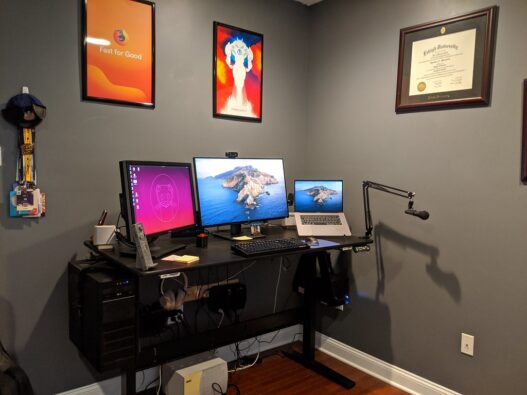
Let’s be honest: most “study space” advice on the internet assumes you have a spare room and $2,000. Real life is a kitchen table shared with a roommate, a bedroom corner, maybe a closet you’re eyeing hopefully. Good news: a great study space isn’t about square footage or money. It’s about telling your brain, clearly and consistently, “when I’m here, we focus.” Here’s how to build that signal on a budget.
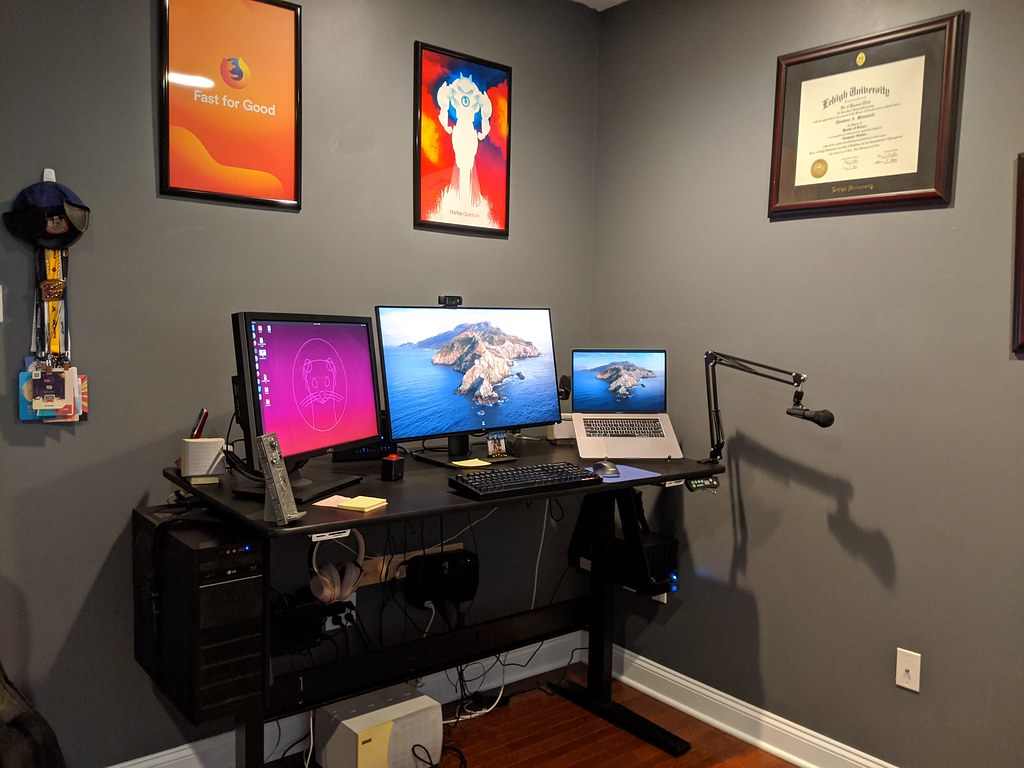
First, the Psychology (60 Seconds, I Promise It’s Useful)
Your brain is a relentless context-learner. It links places to behaviors: bed means sleep, couch means Netflix, kitchen means snacks. If you study in all of those places, your brain never quite switches into focus mode — and worse, work starts contaminating rest. That’s why studying in bed ruins both your studying and your sleep.
A dedicated study spot — even a tiny one — creates a context cue. Sit down there, and your brain starts loading “focus mode” automatically after a week or two of consistency. The spot doesn’t need to be big. It needs to be yours and consistent. Everything below serves that one goal.
The $0 Tier: Rearrange What You Already Own
Before spending anything, do the free overhaul. You’d be surprised how much of a “bad study space” is just bad arrangement.
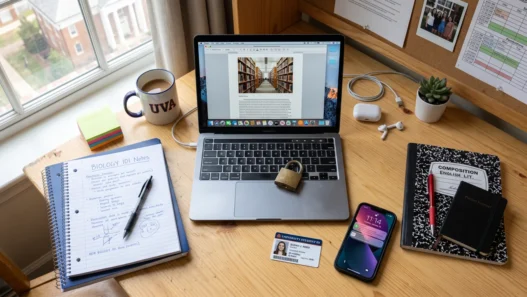
Claim a corner. It can be 3 feet of wall. A corner of the dining table that becomes “yours” during study hours counts — the key is that it’s the same spot every time. Facing a wall (rather than the room) cuts visual distraction dramatically. If you share the space, a small folding screen, a bookshelf turned sideways, or even a strategically hung curtain creates a psychological boundary.
Face the boring direction. Windows are lovely and terrible — great light, endless distraction. If your desk faces a window, you’ll watch the world instead of your course. Face the wall, put the window to your side. You’ll still get the light without the show.
Declutter the sightline. You don’t need a minimalist apartment; you need a clean field of view. Clear everything within your direct line of sight when seated. Stuff can live in drawers, boxes, or behind you — out of sight is genuinely out of mind here.
Fix your light for free. Move your setup near (not facing) a window for daytime studying. For evenings, the single biggest upgrade is getting light onto your work instead of into your eyes: move your existing lamp to the opposite side of your writing hand. Left-handed? Lamp on the right. This one change kills both glare and hand-shadows.

The ~$50 Tier: The Upgrades That Actually Matter
If you have a little to spend, spend it where the research says it counts. In order of impact-per-dollar:
1. A decent chair situation ($0–30). You don’t need a $400 ergonomic chair. You need support: a cushion or rolled towel for lumbar support, and your feet flat on the floor (a stack of books works as a footrest). Back pain is a focus-killer, and it’s the most common reason home study setups fail. Check thrift stores and marketplace listings — good office chairs show up for $20–30 constantly because companies offload them in bulk.
2. Headphones ($15–25). Not for music — for silence. Basic earbuds plus a free brown-noise or café-ambience track create a portable “do not disturb” bubble, even in a noisy house. This is the highest-leverage $20 in home studying. If you can stretch to noise-isolating earbuds, do it.
3. A desk lamp with warm light ($12–20). Overhead lighting is harsh and tiring; a warm (2700–3000K) desk lamp creates a pool of light that says “work happens here.” Bonus: turning on only the study lamp becomes a ritual cue — light on, brain on. 💡
4. A laptop stand or riser ($10–20). Stack of books works fine, honestly. Getting the screen to eye level fixes the neck-craning that makes long sessions miserable. Pair with an external keyboard if you have one lying around ($0 if it’s in a drawer).
The ~$150 Tier: The “This Is My Office Now” Setup
At this level you’re buying durability and comfort for daily multi-hour sessions:
- A real desk ($40–80 used). Thrift stores, Facebook Marketplace, university surplus sales. A solid flat surface at the right height beats any fancy “productivity desk.” Measure your chair first — desk height should let your elbows rest at ~90 degrees.
- A proper office chair ($30–60 used). Same sources. Sit in it before buying; check that the hydraulics hold and the back support hits your lumbar region.
- A second monitor or a tablet stand ($0–40). Course video on one screen, notes on the other — this single change transforms online learning. An old monitor with an HDMI cable, or even a cheap tablet stand repurposing a device you own.
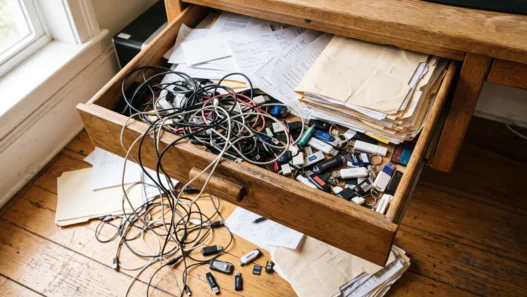
- Cable management ($5). A pack of velcro ties. Tangled cables are visual noise; five minutes of tidying removes them forever.
Total for a genuinely comfortable daily-driver setup: often under $150 if you buy used. That’s less than two months of a co-working membership, and it’s yours forever.
The Rituals That Make the Space Work
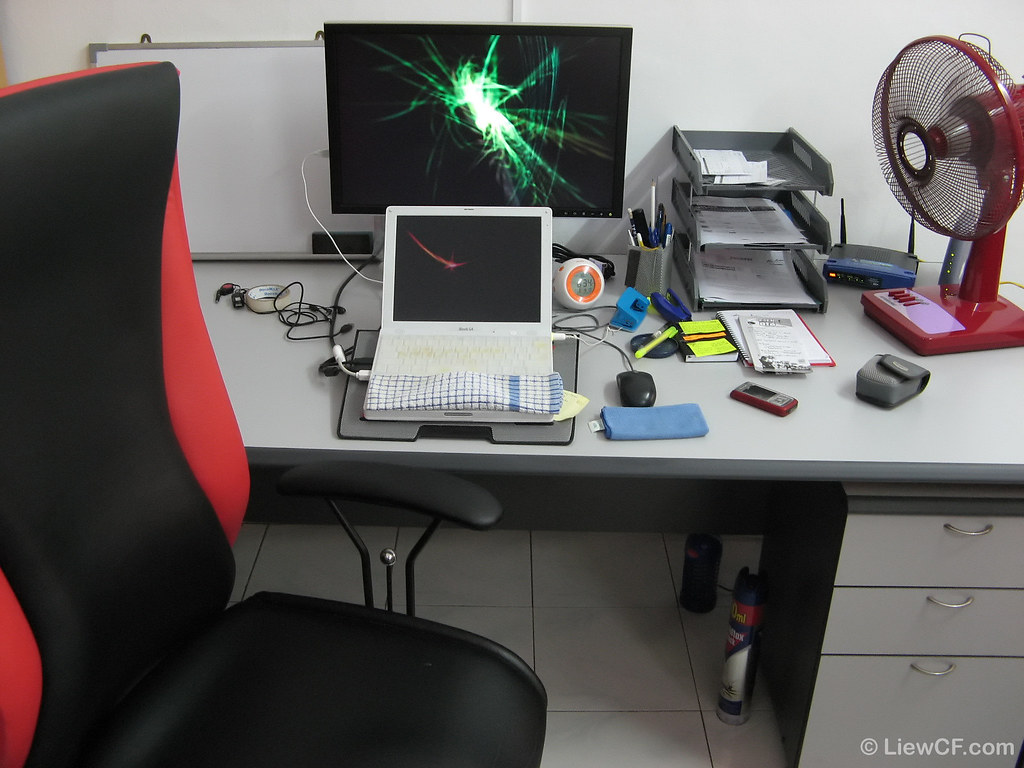
Here’s the secret the furniture stores won’t tell you: the space is 30% of the equation; the rituals are 70%. A $2,000 setup with no boundaries loses to a kitchen corner with strong habits. Build these:
A startup ritual (2 minutes). Same sequence every session: clear the desk, open the course, put on headphones, start the lamp, phone face-down in another room. Within two weeks, step one of the sequence starts triggering focus automatically. This is habit science, not superstition — and it’s the same principle behind building a learning habit that sticks.
A shutdown ritual (2 minutes). Close tabs, write tomorrow’s first task on a sticky note, clear the desk. This tells your brain the workday is over — critical when your office is also your home. Without it, courses bleed into evenings and rest stops working.
Physical boundaries. If you share your home, negotiate explicit “study hours” with the people in it. A closed door, headphones on, or even a silly “do not disturb” sign — the formality is the point. It gives others permission to respect the boundary and gives you permission to enforce it.
Session structure. Your space works best with a rhythm. Many learners swear by focused 25–50 minute blocks with real breaks — if you haven’t tried it, read up on whether the Pomodoro technique actually works for studying — and taking breaks that genuinely restore you instead of just switching to your phone.
Small Space? Specific Fixes
Studio apartment: Use a folding desk or wall-mounted drop-leaf table that disappears after sessions — the act of setting up and folding away becomes part of your ritual. A room divider or curtain separates “office” from “bedroom” psychologically.
Shared bedroom: Negotiate time blocks, not space. “The desk is mine 7–9 p.m.” works better than fighting over square feet. Noise-isolating earbuds are non-negotiable here.
Kitchen table: Get a “study caddy” — a tote bag or box with everything you need. Setup takes 60 seconds, teardown takes 60 seconds, and the table returns to being a table. The caddy is your office; it just commutes.
Kids at home: Align deep-focus sessions with naps, school hours, or a partner’s shift. For the rest, embrace “shallow” study tasks (reviewing flashcards, watching lectures) during chaos and save problem-solving for quiet windows. And a realistic routine for busy adults has more survival tactics for packed households.

The 5-Minute Ergonomics Check
Before you buy anything, run this free diagnostic on your current setup. Sit down as if to study and check: screen top at or slightly below eye level (stack books until it is); elbows at roughly 90 degrees (if the table’s too high, raise the chair and add a footrest); lower back supported (rolled towel between you and the chair); feet flat (floor, books, box — whatever reaches); screen about an arm’s length away. If you pass all five, your setup is ergonomically fine regardless of what it cost. Most “I need a new desk” urges are really “my screen is six inches too low” in disguise — a $0 fix.
What NOT to Buy
Save your money — these are the most common budget traps:
- “Productivity” gadgets. Fancy timers, smart notebooks, desk toys. Your phone’s timer and a notebook work identically.
- Aesthetic matching sets. Instagram study spaces are styled for photos, not for learning. Mismatched and functional beats beautiful and uncomfortable.
- Blue-light glasses as a first purchase. They’re fine, but proper lighting and screen distance matter 10× more. Buy the lamp first.
- A new laptop “for studying.” Unless your current machine literally can’t run the course platform, the bottleneck is never the hardware.
The Bottom Line
A home study space isn’t a room — it’s a contract with yourself, enforced by a corner, a lamp, and a ritual. Start free: claim the spot, face the wall, clear the sightline. Add headphones and decent light when you can. Buy used when you’re ready. And remember that the most expensive part of the setup was never the furniture — it’s the consistency of showing up there, day after day, and doing the work. 🏠