



Here’s a familiar scene: you “watch” a 40-minute lecture video, nod along, feel like you understood everything — and then, asked to explain any of it, your mind produces a blank loading screen. Passive watching feels like learning the way standing in a gym feels like exercise. The understanding evaporates because you never actually grabbed hold of it.
Video is now one of the main ways we learn — course lectures, YouTube tutorials, recorded webinars — but most of us take notes from videos the same way we take notes from live lectures, and that’s the mistake. Video is a different medium with different superpowers: pause, rewind, speed control, captions. Here’s how to use all of them.
Before you press play: set up like it matters
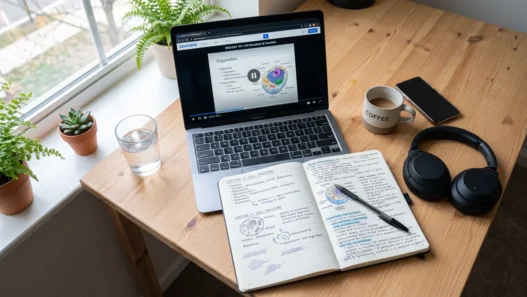
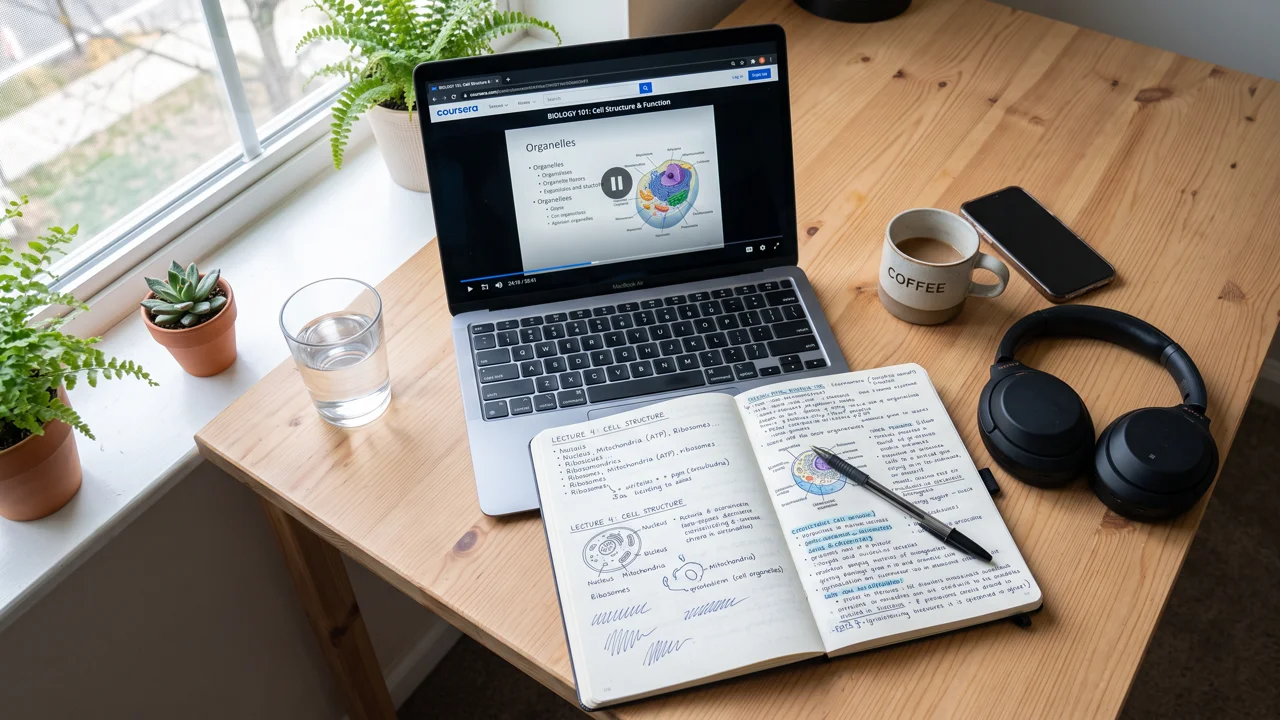
Two minutes of prep changes the whole session. First, decide what you’re hunting for. Glance at the video title, description, or chapter list and write one question at the top of your notes: “What do I want to be able to explain after this?” A brain with a mission filters signal from noise; a brain without one just… watches.
Second, pick your note format in advance. For a conceptual lecture, the Cornell method (cues on the left, notes on the right, summary at the bottom) works beautifully. For a tutorial, a simple two-column “steps / why it works” layout is better. For a rambling YouTube explainer, a mind map lets you capture connections without fighting the structure. The key insight from research on note-taking methods that actually work: the format should match the material, not your habits.
Third, kill the tabs. The video is on a device designed to distract you, sitting one click from everything more entertaining. Full-screen the video. If the temptation is strong, this is exactly what learning from YouTube without getting distracted is about — the platform is engineered to pull you into “just one more video,” so set your defenses before you start.
While watching: the pause is your superpower
In a live lecture, the professor sets the pace. In a video, you do — and almost nobody uses this power. Here’s the technique that changes everything:
Pause and paraphrase. Every time the speaker finishes a key idea, hit pause and write what they said in your own words — not a transcript, a translation. If you can’t paraphrase it, you didn’t understand it; rewind 30 seconds and listen again. This single habit converts passive watching into active retrieval, which is the mechanism that actually builds memory. Yes, it makes a 20-minute video take 35 minutes. It also means you remember it next month.
Use timestamps as anchors. Instead of copying everything, write the timestamp plus the idea: [12:40] — the mitochondria thing: energy, not just “powerhouse.” Timestamps turn your notes into an index. When you review, you can jump straight to the exact 40 seconds you need instead of re-watching the whole video.
Speed is a tool, not a badge. Watching at 1.5x or 2x feels productive, but comprehension drops as speed rises — especially for dense or unfamiliar material. A smarter approach: 1.25x for review material you mostly know, 1x for new concepts, and slow down (0.75x) for the hard parts. Speed up the familiar, slow down for the difficult. Anyone telling you to 2x everything is selling you something.
Turn on captions. Reading along while listening engages two channels at once, which helps with unfamiliar terms, accents, and fast speakers. It’s also a lifesaver for technical vocabulary you’d otherwise mishear and misspell in your notes.
The screenshot trap (and what to do instead)
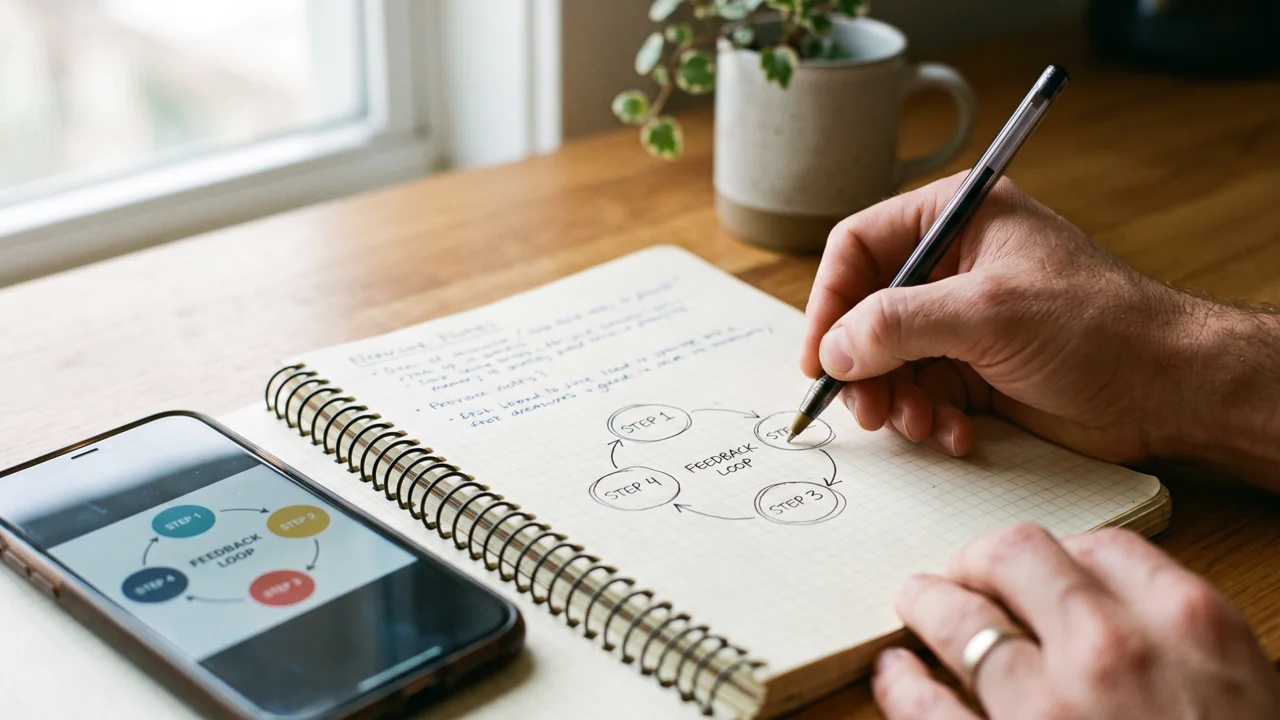
Let’s talk about the screenshot folder of doom — that graveyard of 200 lecture screenshots you’ll “review later” and never open. Screenshots feel like note-taking but they’re actually outsourcing your memory to your camera roll. The information never passes through your brain, so your brain never files it.
The fix isn’t to ban screenshots — it’s to process them. If a diagram is worth capturing, capture it, then immediately do one of these:
- Redraw it from memory below the screenshot. The act of reconstructing it is where the learning happens.
- Annotate it in your own words — label what’s happening and why it matters, not just what it’s called.
- Connect it to something — “this is like the thing from last week’s video about X.” Connections are what make memories retrievable.
A screenshot with your own annotation underneath is worth ten unannotated ones. Your future self, reviewing before an exam, will thank you.
After the video: the 5-minute lock-in
The video ends. Don’t just close the tab — your brain is holding the ideas in fragile short-term storage, and they’ll decay within hours unless you consolidate. Spend five minutes on this shutdown ritual:
1. Write a 3-sentence summary without looking at your notes. This is a mini retrieval practice — the single most evidence-backed study technique there is. Struggling to summarize means you found the gaps while there’s still time to fix them.
2. Star your confusion. Mark anything shaky with a big “?” and write the specific question. Vague confusion (“I don’t get the middle part”) is unactionable; a specific question (“why does the curve flatten after 50?”) is a target you can hit with a rewatch, a search, or a forum post.
3. Link it backward. Write one line connecting this video to something you already know: a previous lecture, a real-world example, another course. New knowledge sticks to old knowledge — isolated facts fall off.
This is also the perfect moment to teach it back. Explaining the video’s main idea out loud — to a friend, a rubber duck, or your notes app — is the Feynman Technique in miniature, and it will expose every gap your summary missed.
Building your video-note system
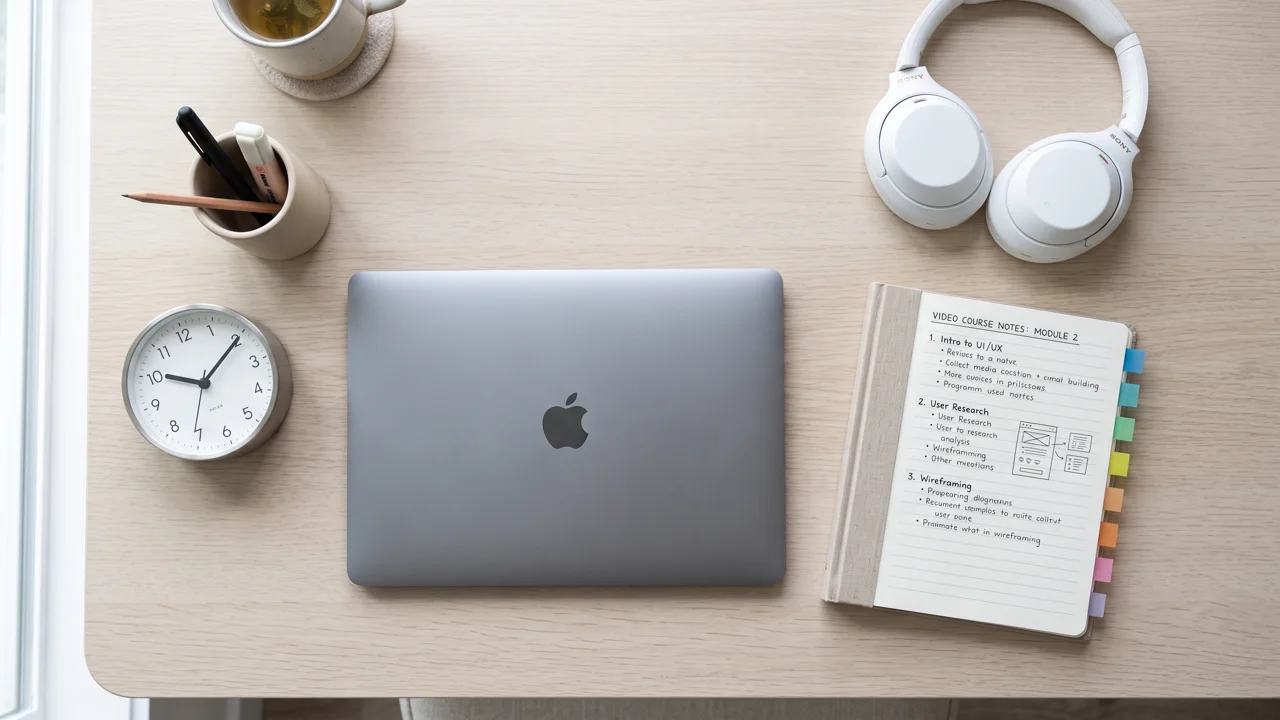
One-off techniques are nice; a system is better. Here’s a lightweight one that scales across a whole course:
- One document per course, timestamps as headings. Keep all video notes for a course in a single searchable doc. When exam season hits, Ctrl+F becomes your best friend.
- A weekly 15-minute review. Skim the week’s summaries — not the full notes, just the 3-sentence lock-ins. This is spaced repetition without flashcards.
- A “revisit” list. Keep a running list of timestamped moments to rewatch before exams. Ten targeted minutes beats two hours of full re-watches.
Video learning isn’t going anywhere — if anything, it’s eating more of education every year. The students who thrive aren’t the ones who watch the most videos; they’re the ones who process the most videos. Pause, paraphrase, timestamp, summarize. Four verbs, and suddenly the play button becomes the most powerful study tool you own.