





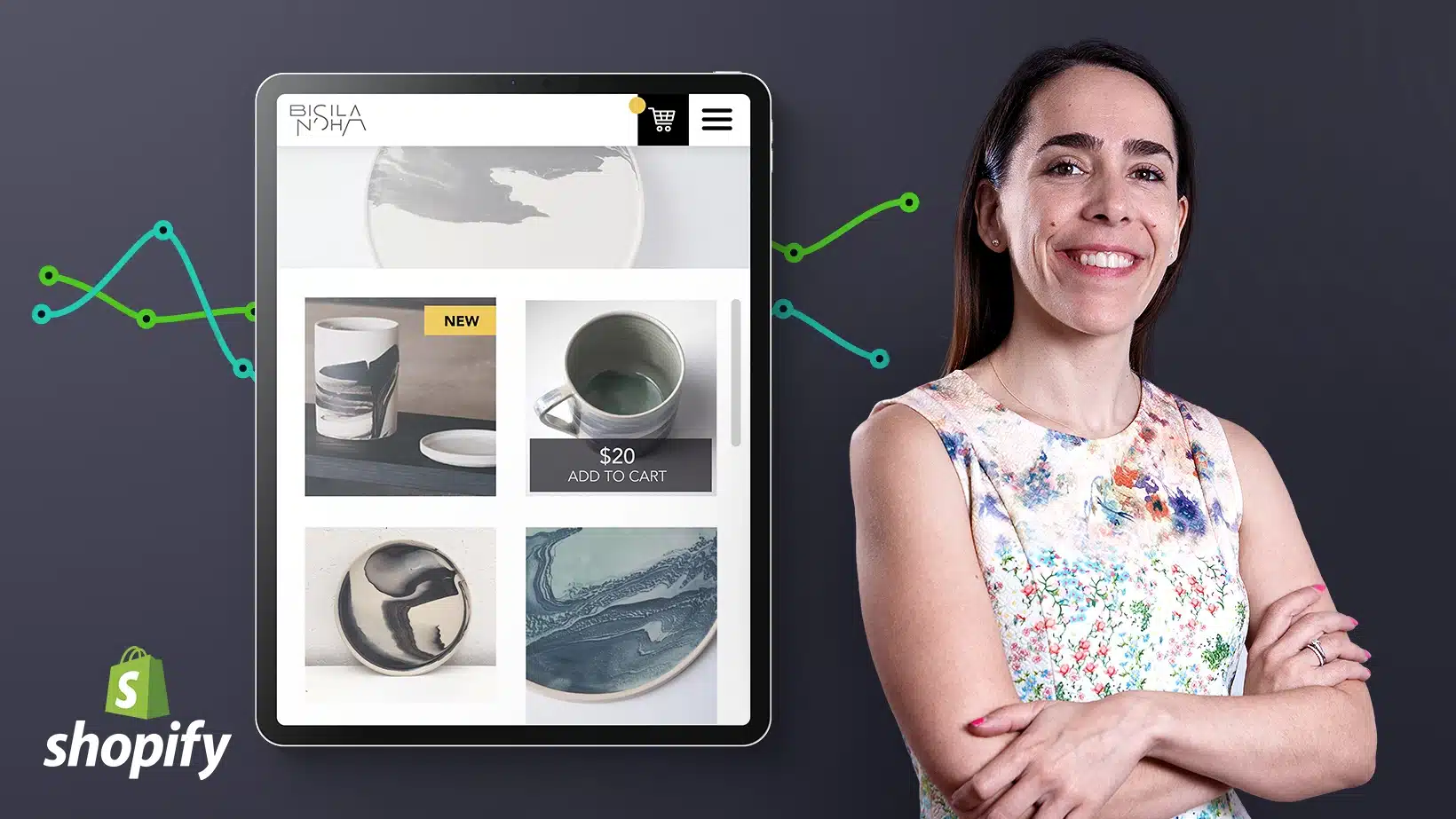
Every product you’ve ever bought online came from someone who once stared at a blank screen wondering how e-commerce actually works. Setting up an online store used to mean hiring developers and spending thousands. Today, platforms like Shopify have compressed that into something a motivated beginner can do in a weekend — and this guide walks you through exactly how.
What Shopify Is (and Isn’t)
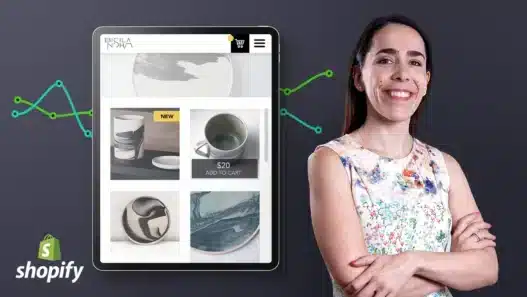
Shopify is a hosted e-commerce platform: it gives you the storefront, the checkout, payment processing, and inventory management in one package, without you touching code. You pay a monthly subscription; they handle the technical infrastructure, security, and updates.
What it isn’t: a magic business. Shopify solves the technical problem of selling online, not the business problem of having something people want to buy. The platform is the easy part. Choosing what to sell and finding customers is the real work — and this guide covers both.
Before You Build: The Decisions That Matter
What will you sell?
This is the question that determines everything. Good first-store options share traits: a defined audience, reasonable shipping, healthy margins, and something you genuinely understand. Common beginner paths:
- Your own creations: art prints, handmade goods, crafts. Highest margin, most personal — but you’re the manufacturer.
- Curated products: sourcing from wholesalers or makers. Less creation work, more curation skill.
- Print on demand: designs on shirts, mugs, posters — produced only when ordered. Low risk, lower margins, crowded market.
- Digital products: templates, presets, courses. No shipping, infinite inventory — if you can make something people want.
Start narrow. A store selling one clear thing to one clear audience beats a general store selling everything to nobody.
What’s your budget reality?
Shopify’s subscription is the floor, not the ceiling. Budget for: the monthly plan, a domain name (small annual cost), initial inventory or samples, product photography (DIY-able), and — the one beginners skip — a marketing budget. A store with no traffic earns nothing regardless of how beautiful it is.
Setting Up Your Store: The Practical Steps
Step 1: Account and basics
Sign up, choose your plan tier (start with the basic tier — you can upgrade when revenue justifies it), and configure the essentials: store name, currency, timezone, and tax settings for your region. Unsexy, but getting this right early prevents headaches later.
Step 2: Choose and customize a theme
Shopify’s theme store offers free and paid themes. Start free — they’re clean, mobile-responsive, and perfectly professional. Customize colors, fonts, and layout to match your brand. Resist the urge to over-design; clarity outsells cleverness. Your homepage should answer three questions in five seconds: what you sell, who it’s for, and why it’s good.
Step 3: Add products properly
This is where most beginner stores fail. Each product needs:
- Great photos: multiple angles, lifestyle shots showing the product in use, consistent style. Phone cameras are fine with good lighting — a window and a white poster board outperform expensive gear used badly.
- Descriptions that sell: not just specs — benefits, use cases, and the story. Write for the customer wondering “is this for me?”
- Honest details: dimensions, materials, shipping times, return policy. Surprises after purchase become bad reviews.
Step 4: Payments, shipping, and policies
Connect a payment processor (Shopify Payments where available, plus PayPal as backup), set up shipping rates and zones, and write clear policies: shipping, returns, privacy. Customers check these before buying more often than store owners realize.
Step 5: Test everything
Place a test order. Click every link. Check the store on your phone — most of your traffic will be mobile. A broken checkout or a confusing mobile layout silently kills sales you’d never know you lost.
Getting Your First Customers
A live store with no visitors is a very expensive hobby. Beginner-friendly marketing that actually works:
- Your existing network: tell everyone. First sales almost always come from people you know.
- Social media with intent: not just posting products — showing the making, the story, the behind-the-scenes. People buy from people.
- Content and SEO: blog posts answering your customers’ questions bring free traffic over time. Slow to start, compounds beautifully.
- Micro-influencers and creators: small, engaged audiences convert better than big indifferent ones — and cost less to reach.
- Email from day one: offer a small discount for signup. Your email list is the only audience you truly own.
Marketing is a skill in itself. Our guide to marketing with zero audience was written for course creators, but the principles — start small, be useful, build relationships — apply directly to stores. And developing your personal brand alongside your store gives customers a reason to buy from you instead of a competitor.
Learning Shopify Properly
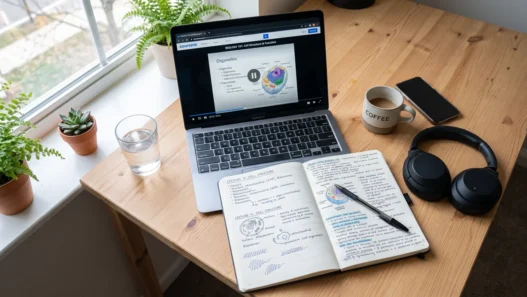
You can absolutely figure Shopify out by clicking around — it’s designed for non-technical users. But a structured course on any major online course platform compresses weeks of trial-and-error into days, particularly for the parts beginners get wrong: tax configuration, shipping strategy, conversion optimization, and app selection (the app store is full of tempting upsells you mostly don’t need).
Look for courses taught by people who run actual stores, with recent content — Shopify changes frequently, and a course from three years ago will show you an interface that no longer exists.
Beginner Mistakes That Cost Real Money
Perfecting the store instead of launching. Your store will never feel “ready.” Launch at 80% and improve with real customer feedback — it’s faster and more accurate than guessing.
No marketing budget or plan. “Build it and they will come” has never been true for e-commerce. Plan your first 100 visitors before you launch.
App overload. Every app adds cost and complexity. Start with zero apps; add them only to solve specific problems you’ve actually encountered.
Ignoring mobile. If your store is awkward on a phone, you’re losing most of your potential sales. Design mobile-first.
Underpricing. Price for sustainability: product cost, Shopify fees, payment processing, shipping materials, your time, and marketing. Beginners who price at “materials plus a little” discover too late that the business can’t survive.
Giving up at month two. Almost no store succeeds in eight weeks. The first months are for learning what works. Budget for a runway, not a miracle.
Frequently Asked Questions
How much does it cost to start a Shopify store?
Beyond the monthly subscription (starting around $39/month at standard pricing), budget a few hundred dollars for domain, initial inventory or samples, and basic marketing. You can start lean — many successful stores began with under $500 total — but “free” isn’t realistic.
Do I need technical skills?
No. Shopify is built for non-technical users — if you can use social media, you can run a Shopify store. Technical skills help for advanced customization, but they’re not required to launch and sell.
Shopify vs. other platforms — which should I choose?
Shopify wins on ease of use and ecosystem. WooCommerce (WordPress-based) offers more control and lower long-term costs but needs technical comfort. Marketplaces like Etsy give you built-in traffic but take bigger cuts and limit your branding. For a beginner wanting their own store quickly, Shopify is the straightforward choice.
How long until I make my first sale?
With active marketing, many stores see first sales within the first month. Without marketing, the answer is “eventually, maybe.” The variable isn’t the platform — it’s whether anyone knows your store exists. Learning to pitch and promote effectively matters as much as the store setup itself.
Can I run a Shopify store as a side project?
Yes — most beginners do. Expect 5–10 hours a week for a small store: fulfilling orders, customer messages, and ongoing marketing. It scales with effort, which makes it ideal alongside a job — until (hopefully) it doesn’t need to be.